Migrate Your WordPress Site to ShellSecrets: Complete Guide

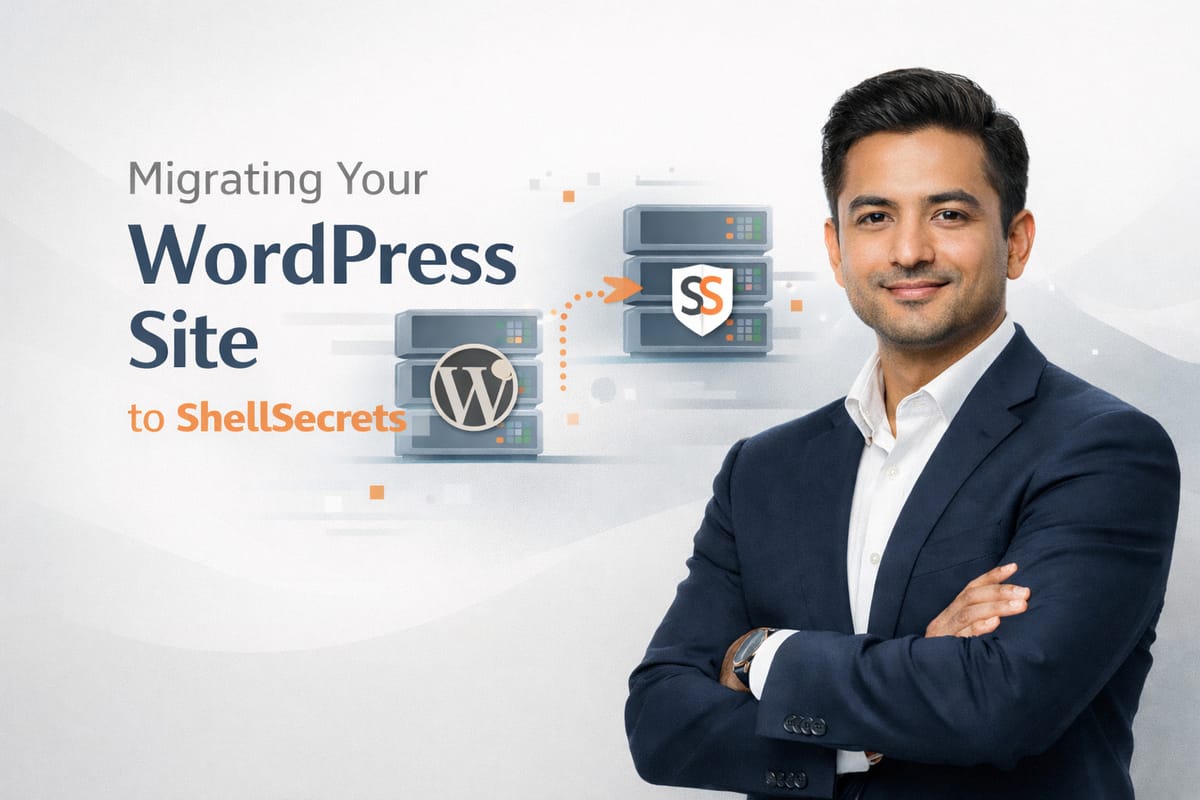
Thinking about moving your WordPress website to a faster and more reliable hosting provider? Whether you're facing slow load times, frequent downtime, or poor customer support, migrating your site can significantly improve performance and security.
In this complete guide, we'll walk you through how to migrate your WordPress site to ShellSecrets safely and efficiently—without losing data, traffic, or SEO rankings.

Why Migrate Your WordPress Site to ShellSecrets?
Choosing the right hosting provider is critical for WordPress performance. ShellSecrets offers modern cloud infrastructure designed specifically for speed, stability, and scalability.
Key Benefits:
High-performance cloud servers — Faster loading times and better user experience
Free SSL certificates — Secure your website at no extra cost
Optimized WordPress hosting — Pre-configured for maximum WordPress performance
99.9% uptime guarantee — Keep your website online and accessible
24/7 expert technical support — Get help whenever you need it
Easy cPanel & WordPress management — User-friendly control panel
If your current hosting can't keep up with your website's growth, it's time to switch.
Things to Do Before Migrating WordPress
Before starting the migration process, prepare your website properly to avoid issues.
1. Create a Full Backup
Always back up your:
- WordPress files
- Database
- Media uploads
- Themes and plugins
You can use plugins like UpdraftPlus, All-in-One WP Migration, or Duplicator to create complete backups.
2. Update WordPress and Plugins
Ensure your WordPress core, themes, and plugins are up to date to prevent compatibility issues during migration.
3. Clean Up Your Website
Remove unused plugins, themes, and unnecessary files. A clean website migrates faster and performs better.
Method 1: Migrate WordPress Using a Plugin (Recommended)
This is the easiest and safest method for beginners.
Step 1: Install a Migration Plugin
Popular options include:
- All-in-One WP Migration — Beginner-friendly with simple interface
- Duplicator — Great for both migration and cloning
- UpdraftPlus — Comprehensive backup and migration solution
Step 2: Export Your Website
Use the plugin to export your entire WordPress site into a backup file. This typically includes:
- All files and folders
- Database content
- Media library
- Theme and plugin settings
Step 3: Set Up Hosting at ShellSecrets
- Purchase a WordPress hosting plan from ShellSecrets
- Log in to cPanel
- Create or select your domain
- Install a fresh WordPress copy
Step 4: Import Your Website
Install the same migration plugin on the new WordPress site and import your backup file. Your site will be restored automatically with all content, settings, and media intact.
Method 2: Manual WordPress Migration (Advanced Users)
For developers or advanced users who prefer full control:
Step 1: Upload Website Files
- Use File Manager or FTP client
- Download all files from your old hosting
- Upload all files to
public_htmldirectory on ShellSecrets
Step 2: Export and Import Database
- Export database from phpMyAdmin (old host)
- Create a new database in cPanel on ShellSecrets
- Import database to the new hosting environment
Step 3: Update wp-config.php
Update your wp-config.php file with new database credentials:
- Database name
- Username
- Password
- Host
Update DNS Settings
After migration, update your domain's nameservers to point to ShellSecrets.
DNS propagation may take up to 24 hours, though it often completes sooner.
You can check propagation using online DNS tools to confirm when the changes are active globally.
Enable SSL and Test Your Website
Once DNS is updated and pointing to ShellSecrets:
- Enable AutoSSL in cPanel
- Force HTTPS for all pages
- Test all pages, links, images, and forms
- Check site speed and performance
- Verify mobile responsiveness
Will Migration Affect SEO?
No, not if it is done correctly.
To protect your SEO during migration:
- Keep the same domain name
- Avoid changing URL structures
- Set up proper redirects if needed
- Ensure SSL is active and forced
- Re-submit sitemap to Google Search Console
- Monitor search rankings after migration
ShellSecrets ensures a smooth migration with no SEO loss when best practices are followed.
Free WordPress Migration with ShellSecrets
If you don’t want to handle migration yourself, ShellSecrets offers free WordPress migration support handled by experienced professionals.
Just provide your old hosting details, and the team will take care of everything safely and securely. The service includes:
- Zero downtime during migration
- Complete data integrity
- SEO preservation
- Full functionality testing
- Post-migration support
Common Migration Issues (and Solutions)
Even with proper planning, issues can happen:
Broken links → Clear cache and update permalinks in WordPress settings
Missing images → Re-upload media folder or check file permissions
White screen error → Check PHP version compatibility
SSL issues → Reinstall SSL and force HTTPS
Database connection errors → Verify wp-config.php credentials
Support is available 24/7 to help resolve any issues during or after migration.
Post-Migration Checklist
After completing your WordPress migration, verify the following:
- All pages load correctly
- Images and media display properly
- Contact forms work and send emails
- Plugins are active and functioning
- SSL certificate is installed and active
- Website speed is improved
- Admin dashboard is accessible
- Backup system is configured
Get Started with Your WordPress Migration
Migrating your WordPress site doesn’t have to be complicated. With the right preparation and hosting provider, the process becomes smooth and safe.
ShellSecrets provides reliable, secure, and high-performance WordPress hosting, making it a strong choice for your website in 2026.
Move your WordPress site to ShellSecrets and experience faster performance, better security, and dependable support.