Full root access
Log in as root (or Administrator) and configure the server exactly the way your project needs.
Shared hosting: No root or sudo access
Start with the resources you need today, then scale CPU, RAM, and storage on the same server as traffic, databases, or teams grow — no migration required.
Scale CPU, RAM, and storage on demand
No migration to a new server needed
Full root access
NVMe SSD storage
Linux operating systems
24/7 managed support

From $19.17/mo
No hidden fees
Always-on infrastructure built for scale.
Talk to Our Experts
Get tailored guidance for your goals.
Start with the resources you need today and scale CPU, RAM, and storage on the same server as you grow. Need something larger? Request a quote.
Plan Duration
vCPU
2
RAM
4 GB
Storage
60 GB SSD
IPv4
Bandwidth
100 MbpsThe default bandwidth is 100 Mbps. You can upgrade it for an additional fee. Fair usage applies; real-world speed varies with network load, shared usage and distance.
$23/mo
Save $46 annually
$230/year
2 vCPU cores, 4 GB RAM, 60 GB SSD, 100 Mbps bandwidth.
$23/mo
Save $46 annually
vCPU: 2
RAM: 4 GB
Storage: 60 GB SSD
Bandwidth: 100 MbpsThe default bandwidth is 100 Mbps. You can upgrade it for an additional fee. Fair usage applies; real-world speed varies with network load, shared usage and distance.
IP: 1 IPv4 address
vCPU
3
RAM
6 GB
Storage
100 GB SSD
IPv4
Bandwidth
100 MbpsThe default bandwidth is 100 Mbps. You can upgrade it for an additional fee. Fair usage applies; real-world speed varies with network load, shared usage and distance.
$29/mo
Save $58 annually
$290/year
3 vCPU cores, 6 GB RAM, 100 GB SSD, 100 Mbps bandwidth.
$29/mo
Save $58 annually
vCPU: 3
RAM: 6 GB
Storage: 100 GB SSD
Bandwidth: 100 MbpsThe default bandwidth is 100 Mbps. You can upgrade it for an additional fee. Fair usage applies; real-world speed varies with network load, shared usage and distance.
IP: 1 IPv4 address
vCPU
4
RAM
8 GB
Storage
140 GB SSD
IPv4
Bandwidth
200 MbpsThe default bandwidth is 200 Mbps. You can upgrade it for an additional fee. Fair usage applies; real-world speed varies with network load, shared usage and distance.
$38/mo
Save $76 annually
$380/year
4 vCPU cores, 8 GB RAM, 140 GB SSD, 200 Mbps bandwidth.
$38/mo
Save $76 annually
vCPU: 4
RAM: 8 GB
Storage: 140 GB SSD
Bandwidth: 200 MbpsThe default bandwidth is 200 Mbps. You can upgrade it for an additional fee. Fair usage applies; real-world speed varies with network load, shared usage and distance.
IP: 1 IPv4 address
vCPU
6
RAM
12 GB
Storage
180 GB SSD
IPv4
Bandwidth
200 MbpsThe default bandwidth is 200 Mbps. You can upgrade it for an additional fee. Fair usage applies; real-world speed varies with network load, shared usage and distance.
$54/mo
Save $108 annually
$540/year
6 vCPU cores, 12 GB RAM, 180 GB SSD, 200 Mbps bandwidth.
$54/mo
Save $108 annually
vCPU: 6
RAM: 12 GB
Storage: 180 GB SSD
Bandwidth: 200 MbpsThe default bandwidth is 200 Mbps. You can upgrade it for an additional fee. Fair usage applies; real-world speed varies with network load, shared usage and distance.
IP: 1 IPv4 address
vCPU
8
RAM
18 GB
Storage
240 GB SSD
IPv4
Bandwidth
300 MbpsThe default bandwidth is 300 Mbps. You can upgrade it for an additional fee. Fair usage applies; real-world speed varies with network load, shared usage and distance.
$70/mo
Save $140 annually
$700/year
8 vCPU cores, 18 GB RAM, 240 GB SSD, 300 Mbps bandwidth.
$70/mo
Save $140 annually
vCPU: 8
RAM: 18 GB
Storage: 240 GB SSD
Bandwidth: 300 MbpsThe default bandwidth is 300 Mbps. You can upgrade it for an additional fee. Fair usage applies; real-world speed varies with network load, shared usage and distance.
IP: 1 IPv4 address
vCPU
8
RAM
24 GB
Storage
280 GB SSD
IPv4
Bandwidth
300 MbpsThe default bandwidth is 300 Mbps. You can upgrade it for an additional fee. Fair usage applies; real-world speed varies with network load, shared usage and distance.
$96/mo
Save $192 annually
$960/year
8 vCPU cores, 24 GB RAM, 280 GB SSD, 300 Mbps bandwidth.
$96/mo
Save $192 annually
vCPU: 8
RAM: 24 GB
Storage: 280 GB SSD
Bandwidth: 300 MbpsThe default bandwidth is 300 Mbps. You can upgrade it for an additional fee. Fair usage applies; real-world speed varies with network load, shared usage and distance.
IP: 1 IPv4 address
vCPU
10
RAM
28 GB
Storage
320 GB SSD
IPv4
Bandwidth
500 MbpsThe default bandwidth is 500 Mbps. You can upgrade it for an additional fee. Fair usage applies; real-world speed varies with network load, shared usage and distance.
$116/mo
Save $232 annually
$1,160/year
10 vCPU cores, 28 GB RAM, 320 GB SSD, 500 Mbps bandwidth.
$116/mo
Save $232 annually
vCPU: 10
RAM: 28 GB
Storage: 320 GB SSD
Bandwidth: 500 MbpsThe default bandwidth is 500 Mbps. You can upgrade it for an additional fee. Fair usage applies; real-world speed varies with network load, shared usage and distance.
IP: 1 IPv4 address
vCPU
16
RAM
32 GB
Storage
400 GB SSD
IPv4
Bandwidth
500 MbpsThe default bandwidth is 500 Mbps. You can upgrade it for an additional fee. Fair usage applies; real-world speed varies with network load, shared usage and distance.
$142/mo
Save $284 annually
$1,420/year
16 vCPU cores, 32 GB RAM, 400 GB SSD, 500 Mbps bandwidth.
$142/mo
Save $284 annually
vCPU: 16
RAM: 32 GB
Storage: 400 GB SSD
Bandwidth: 500 MbpsThe default bandwidth is 500 Mbps. You can upgrade it for an additional fee. Fair usage applies; real-world speed varies with network load, shared usage and distance.
IP: 1 IPv4 address
Your own server with root access and dedicated resources, free of the per-account limits of shared cPanel hosting, and ready to scale CPU, RAM, and storage as you grow.
Log in as root (or Administrator) and configure the server exactly the way your project needs.
Shared hosting: No root or sudo access
Run as many processes and concurrent connections as your server's resources allow — no per-account NPROC or entry-process caps.
Shared hosting: Per-account process caps
No LVE-style per-account CPU or I/O limits. Your workload uses the vCPU and disk throughput your plan provides.
Shared hosting: CPU and I/O limited per account
Resources allocated to your server rather than pooled with every other account on a shared host.
Shared hosting: Resources shared between accounts
Any runtime, language version, database, container engine, custom software, or system package you need.
Shared hosting: Limited to the host's software
Set your own firewall rules, open the ports you need, and apply your own SSH and hardening policies.
Shared hosting: Host-wide rules you can't change
Keep queue workers, WebSockets, and long-running services up, and schedule cron jobs without restriction.
Shared hosting: Long-running processes restricted
Pick the Linux distribution you prefer and reinstall a clean image whenever you want a fresh start.
Shared hosting: OS fixed by the host
Move websites, applications, databases, panels, DNS, SSL, and services with a planned server migration.
VPS migrations need service inventory, firewall review, DNS timing, database consistency, SSL validation, and rollback planning. We help move workloads without leaving production details unresolved.
Connect with our DevOps experts for fast, reliable support.
Cloud VPS is built to grow with you. The right setup keeps scaling usable, secure, and maintainable.
Begin with the CPU, RAM, and storage your workload needs today.
Upgrade CPU, RAM, and storage on the same server as traffic and workloads grow.
Use root access to install operating systems, panels, applications, databases, and custom services.
Keep monitoring, patching, backups, firewall rules, DNS, and support aligned with production needs.
Root access is powerful, but production needs secure access, firewall rules, service planning, DNS, SSL, backups, and a clear upgrade path from the beginning.
Use Cloud VPS for hosting, applications, databases, APIs, panels, staging systems, and private services that outgrow a fixed plan.
Build on familiar Linux, panel, container, web server, and database stacks while keeping room to scale.
Run Node.js, Python, Laravel, database-backed apps, and APIs that need room to scale as usage grows.
Host databases with dedicated resources that can be increased as data and query load grow.
Install and manage panels such as cPanel, Plesk, Webmin, or custom admin tooling when your stack requires it.
Get help with Cloud VPS provisioning, scaling, migrations, OS setup, SSH, firewalls, panels, databases, monitoring, DNS, SSL, and incident troubleshooting.
Get round-the-clock guidance from experienced support engineers.
Open a ticket for technical issues, migrations, billing, or service help.
Talk with our team when you need quick help with urgent questions.
Browse knowledge base articles, setup guides, and troubleshooting notes.
Answers about scalable Cloud VPS hosting, upgrades, root access, and support.
Cloud VPS is built to scale — CPU, RAM, and storage can be upgraded on the same server as your workload grows. VPS Server plans use fixed resources per tier instead.
Explore practical hosting, server, cloud, and DevOps guides from the ShellSecrets articles hub.
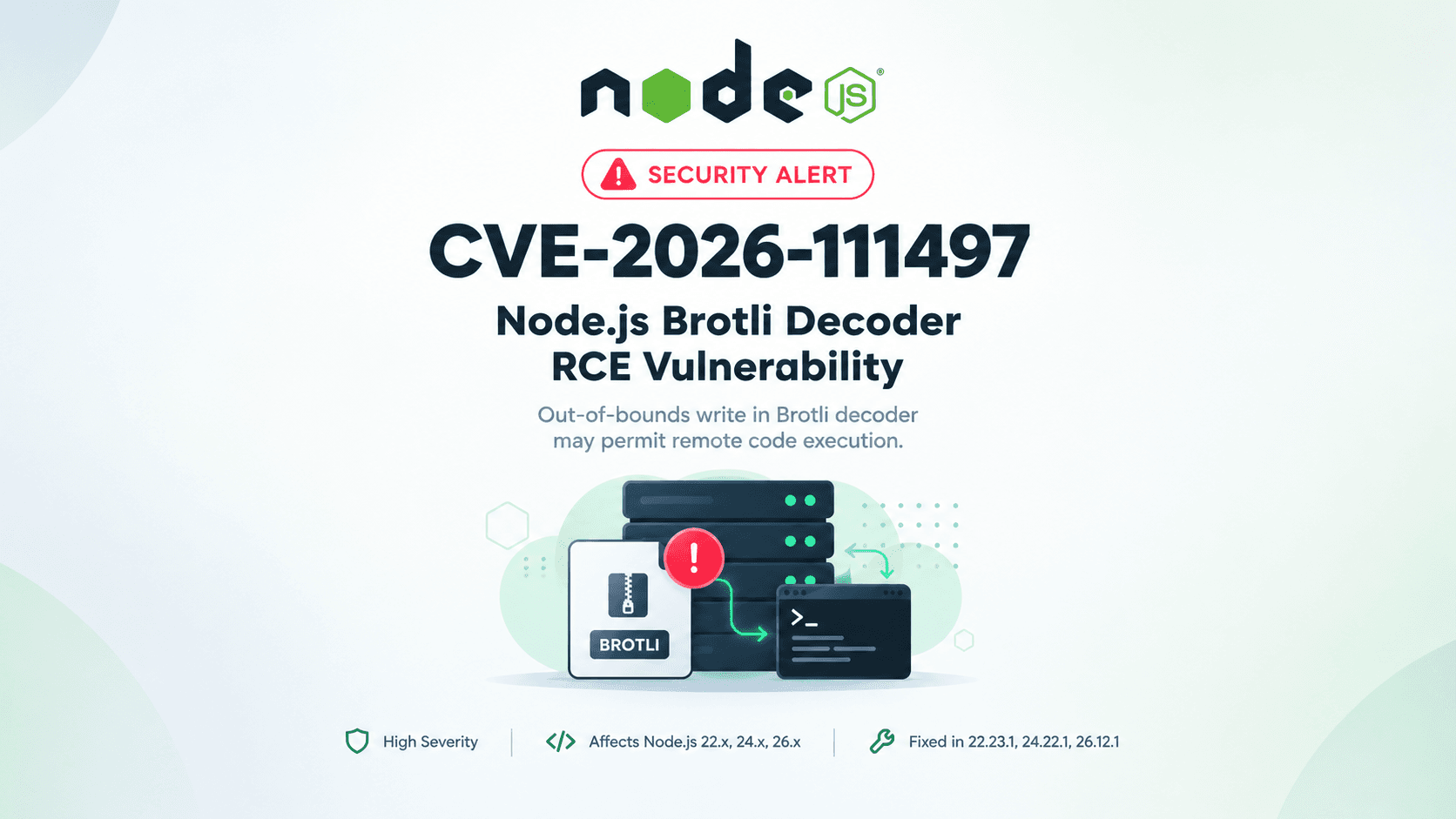
Introduction Modern web applications process enormous volumes of compressed data every second. Whether serving APIs, delivering static assets, streaming content, or responding to browser requests, compression plays a vital role in improving performance while reducing bandwidth consumption. One of the most efficient compression algorithms available today is Brotli, developed by Google and widely adopted across modern web servers, browsers, and application frameworks. Node.js includes native B
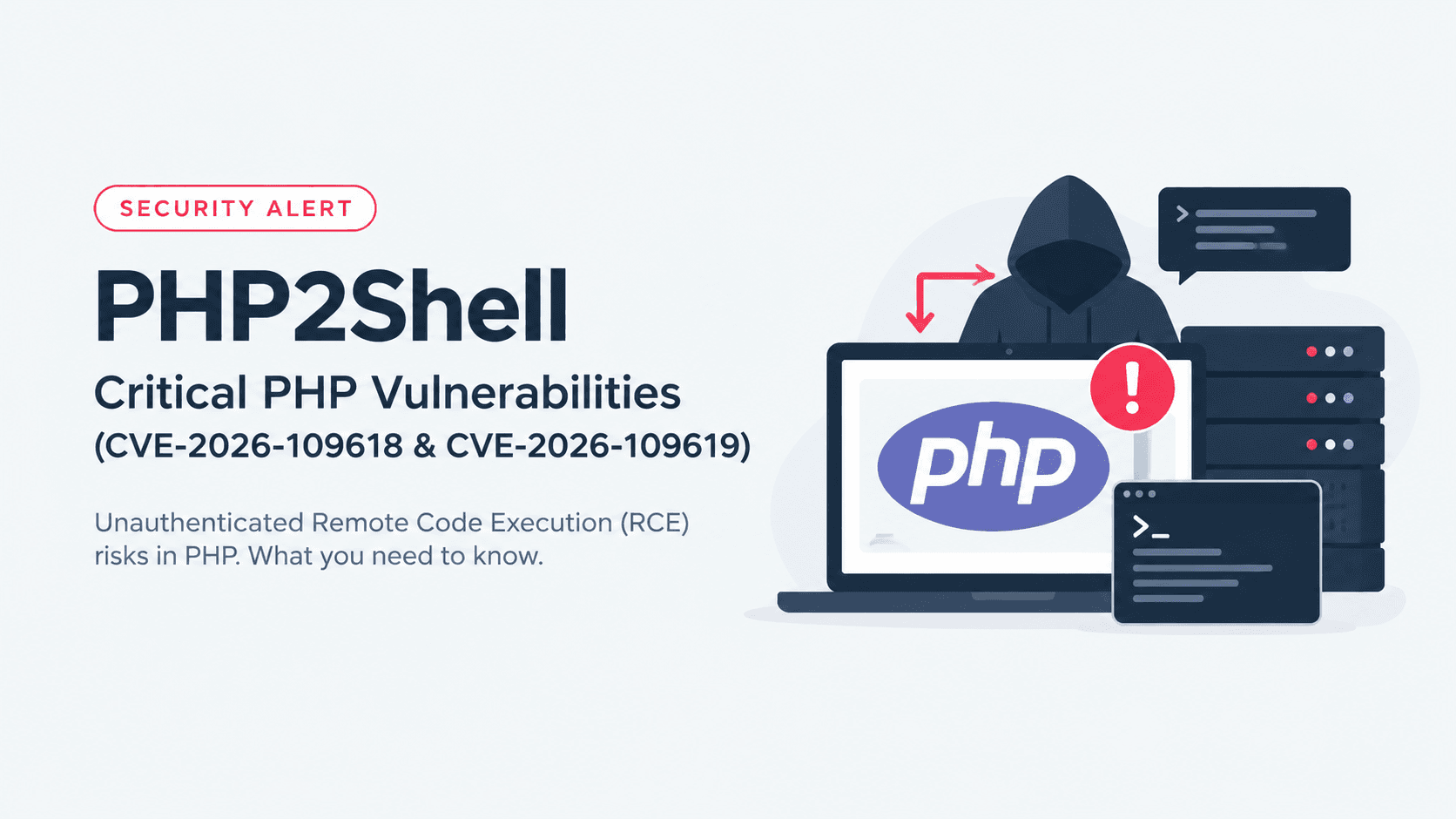
Introduction When security vulnerabilities affect a widely deployed technology, the consequences often extend far beyond individual organizations. That is precisely the case with PHP2Shell, the name given to two critical Remote Code Execution (RCE) vulnerabilities tracked as CVE-2026-109618 and CVE-2026-109619. Unlike application-specific vulnerabilities that impact a single framework or plugin, PHP2Shell affects the PHP runtime itself. Since PHP powers millions of websites, APIs, and enterp
The cybersecurity landscape evolves every day, but only a handful of vulnerabilities fundamentally change how organizations think about infrastructure security. CVE-2026-99999 is one of those vulnerabilities. Disclosed in October 2026 and widely referred to by the security community as PwnEscape, this Linux kernel vulnerability highlights an important truth: sometimes the biggest security risks aren't found in applications or hypervisors—they exist much deeper inside the operating system itself