Business Starter
Ideal for small teams needing professional email and collaboration basics.
$7/user/mo
 30 GB cloud storage per user


Set up business Gmail, shared cloud storage, meetings, documents, calendars, admin controls, and secure migration with ShellSecrets support.
Business Gmail on your domain
Drive cloud storage
Meet, Chat, and Calendar
Docs, Sheets, Slides, Forms
Admin and security controls
Migration and setup support
From $7/mo
No hidden fees
Always-on infrastructure built for scale.
Talk to Our Experts
Get tailored guidance for your goals.
Gmail, Drive, Meet, Calendar, Docs, Sheets, and admin controls with expert setup and migration support.
Ideal for small teams needing professional email and collaboration basics.
30 GB cloud storage per userPerfect for growing teams needing more space and advanced Meet capabilities.
2 TB cloud storage per user
Great for larger teams requiring extra storage, security, and admin control.
5 TB cloud storage per user
Connect and manage your productivity using Google Workspace apps including Gmail, Drive, Docs, Sheets, Calendar, and Meet. Collaborate, store, and communicate efficiently with a fully integrated cloud ecosystem designed for modern teams.


Google Workspace Gmail
Google Workspace Gmail helps teams manage professional email with advanced spam protection, smart search, labels, filters, and seamless integration with Google Drive, Meet, and Calendar.

Google Workspace Meet
Google Meet enables secure video meetings with HD quality, screen sharing, live captions, and seamless integration with Gmail, Calendar, and Google Workspace tools for effortless collaboration.

Google Workspace Drive
Google Drive provides secure cloud storage for your business, allowing teams to store, organize, share, and collaborate on files from any device with real-time synchronization.

Google Workspace Docs
Google Docs enables teams to create, edit, and share professional documents with live collaboration, comments, suggestions, and automatic cloud saving.

Google Workspace Sheets
Google Sheets helps teams organize, analyze, and visualize data collaboratively with formulas, charts, automation, and real-time updates.

Google Workspace AI
Gemini for Google Workspace helps users write emails, summarize meetings, generate content, analyze data, and automate repetitive tasks directly within Workspace applications.
Compare storage, Meet limits, Gmail controls, admin features, security, compliance, and collaboration tools.
We handle the technical setup around your domain, mailbox migration, security records, admin policies, and device access so the team can switch cleanly.
The tools are powerful; the setup, migration, and security decisions determine how well they work for your team.
Use Gmail with your custom domain while keeping business communication familiar, secure, and easy to manage.
Set up two-step verification, domain records, device controls, admin policies, and access management properly.
Give your team cloud access to mail, files, meetings, calendars, and documents from any supported device.
Move users, mailboxes, aliases, and DNS routing from cPanel, Outlook, Zoho Mail, or other providers.
Create users, groups, aliases, permissions, and policies from a central admin console with guided setup.
Use Docs, Sheets, Slides, Meet, Chat, Forms, and Drive to collaborate live instead of passing files around.
Get help with Google Workspace setup, users, aliases, groups, DNS records, mailbox migration, admin controls, device access, SPF, DKIM, DMARC, and deliverability checks.
Get round-the-clock guidance from experienced support engineers.
Open a ticket for technical issues, migrations, billing, or service help.
Talk with our team when you need quick help with urgent questions.
Browse knowledge base articles, setup guides, and troubleshooting notes.
Answers about Google Workspace setup, migration, domains, DNS records, security, users, devices, pricing, and support.
Google Workspace is Google’s cloud productivity suite with Gmail, Drive, Docs, Sheets, Meet, Calendar, Chat, admin controls, and security tools for business teams.
Explore practical hosting, server, cloud, and DevOps guides from the ShellSecrets articles hub.
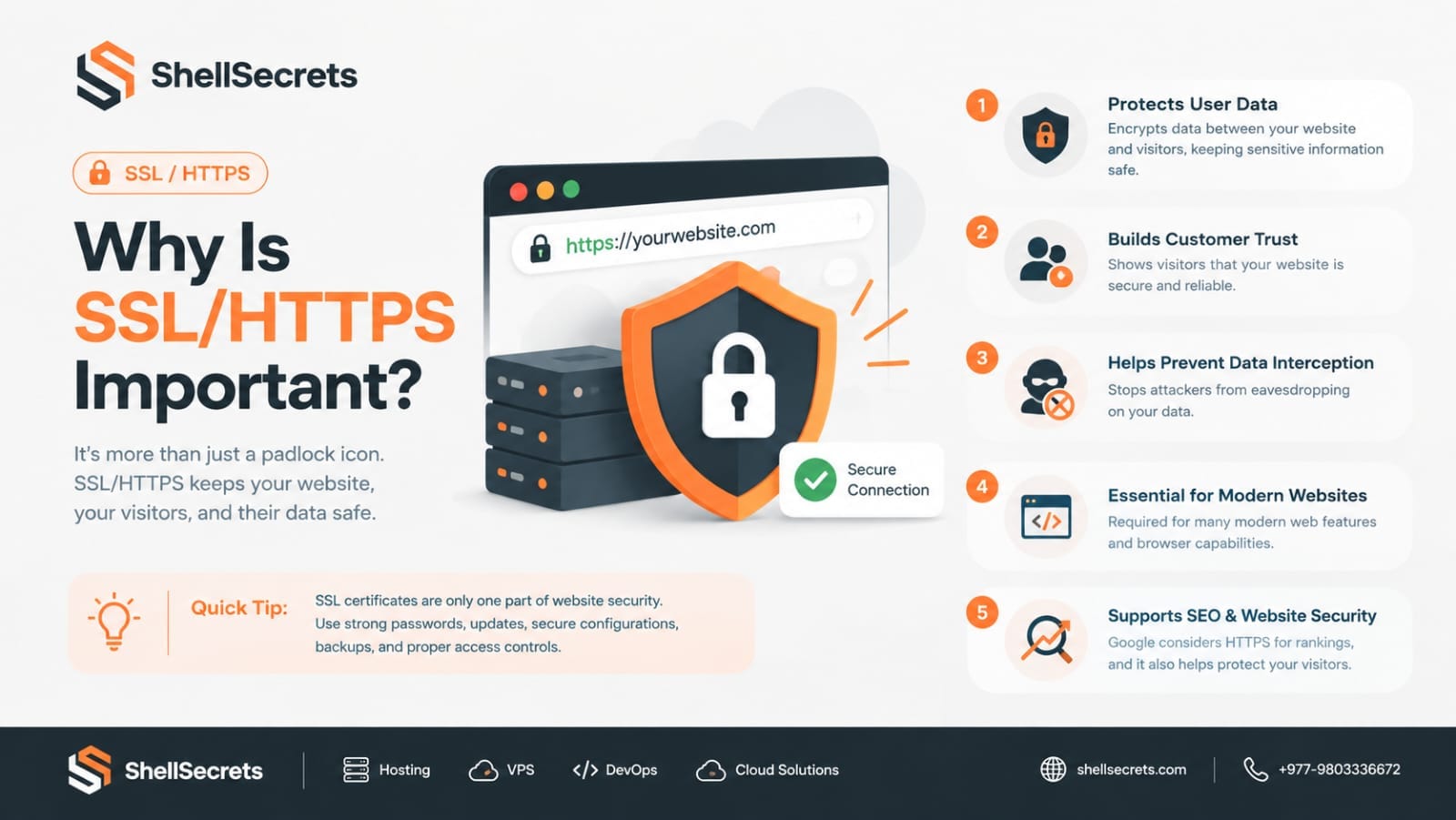
In today's digital world, website security is no longer optional—it's a necessity. Whether you run a personal blog, an eCommerce store, a business website, or a SaaS platform, protecting your visitors' data should be one of your highest priorities. One of the simplest and most effective ways to improve website security is by enabling SSL (Secure Sockets Layer) or TLS (Transport Layer Security), which allows your website to use HTTPS instead of HTTP. If you've ever noticed the small padlock icon
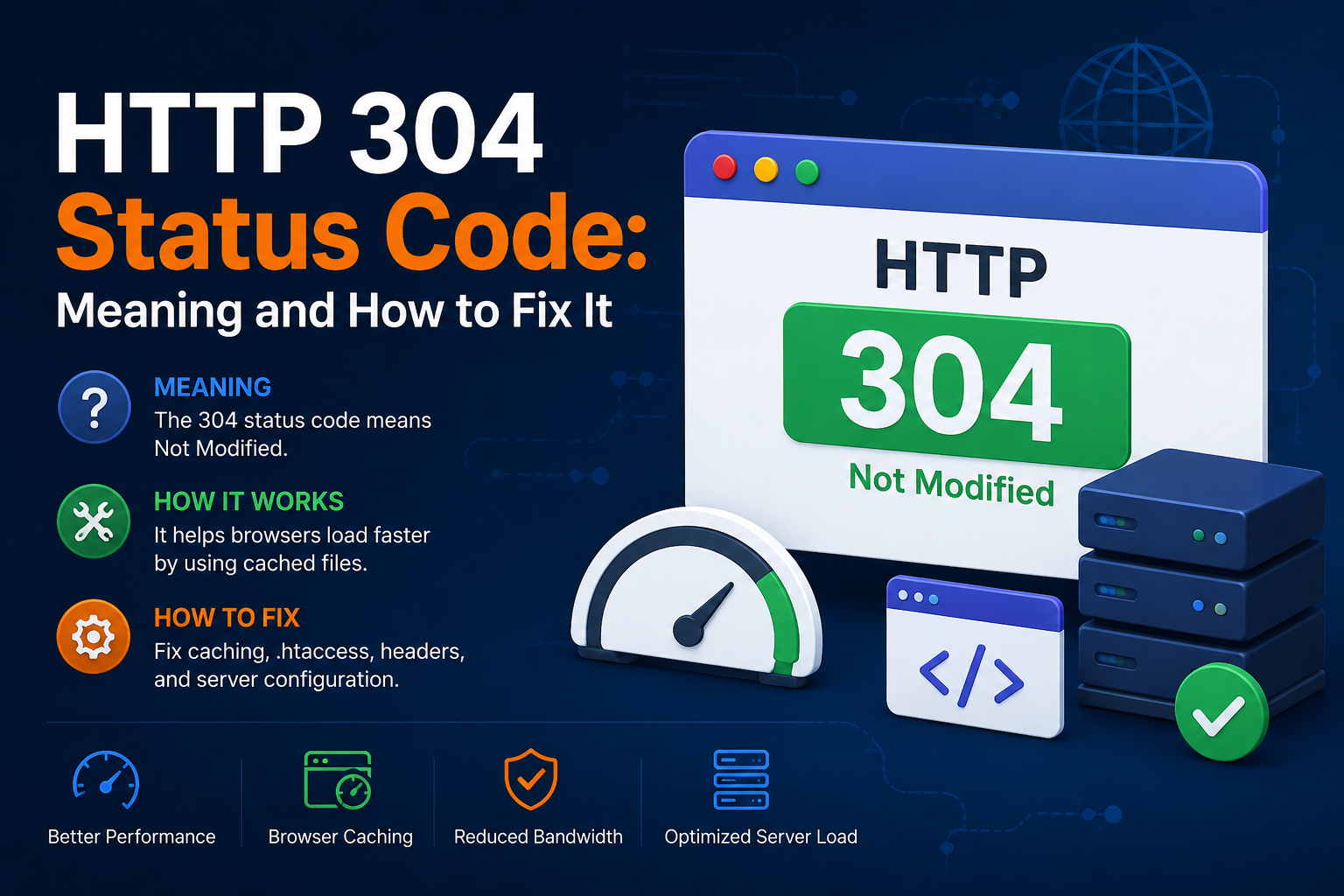
When browsing websites, loading pages quickly is important for both users and search engines. One HTTP response that helps improve website performance is the HTTP 304 Status Code. If you’ve seen a “304 Not Modified” message in browser developer tools, server logs, or SEO audit reports, you may wonder what it means and whether it’s an issue. In this guide, we’ll explain the HTTP 304 status code, why it happens, its SEO impact, and how to fix related problems. What Is HTTP 304 Status Code? Th
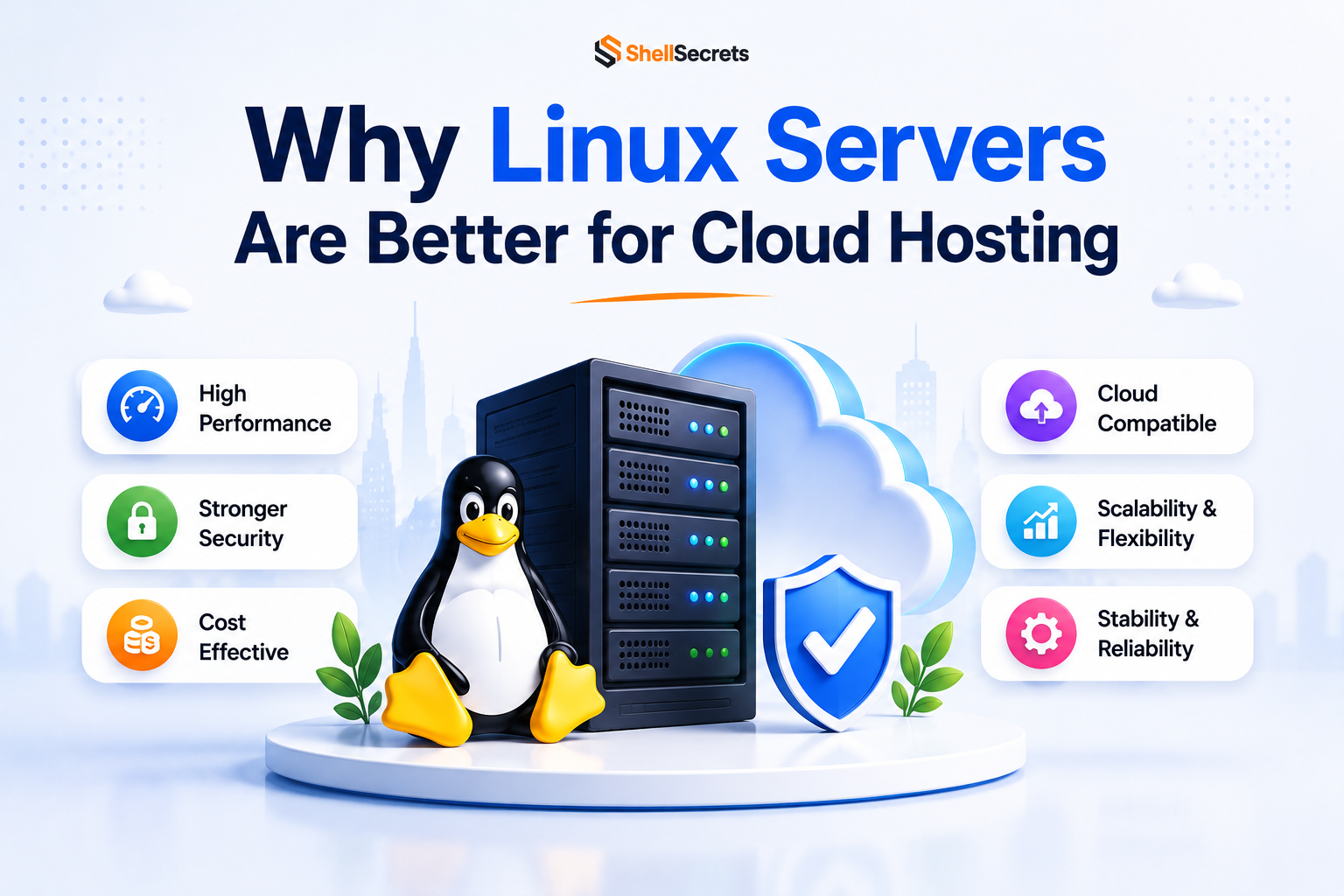
Linux servers dominate the cloud hosting industry because they are secure, stable, lightweight, and cost-effective. Most cloud platforms including AWS, Google Cloud, and Azure heavily rely on Linux-based infrastructure. Advantages of Linux Servers Better Performance Linux consumes fewer system resources compared to Windows Server. Strong Security Linux has strong permission management and lower malware exposure. Cost Effective Most Linux distributions are free to use. Stability Li