Guided Transfer Flow
Start in the portal and follow clear steps for domain unlock, EPP code, confirmation, and checkout.
Transfer domains to ShellSecrets with guided portal steps, DNS continuity planning, and expert help when you need it.
Guided transfer steps
EPP code validation
DNS continuity planning
Renewal management
Transfer status tracking
24/7 expert support
Check your domain, enter its EPP code, and add it to your cart right here — you'll sign in at checkout to complete the transfer.
Unlock your domain at the current registrar
Keep your EPP or authorization code ready
Approve the transfer confirmation email
Need help before transferring? Talk to support
We help you keep DNS, email, and renewal ownership clear while the registry transfer completes.
Start in the portal and follow clear steps for domain unlock, EPP code, confirmation, and checkout.
Plan nameserver and DNS changes carefully so your website and email remain stable during transfer.
Use authorization codes and registry emails to confirm ownership before the transfer proceeds.
Keep registrar lock, WHOIS details, and approval emails aligned to prevent failed transfer attempts.
The process is mostly about proving ownership and keeping DNS stable while registrars hand over management.
Transfer Control
Keep the domain unlocked, authorization ready, and DNS unchanged until the transfer is safely underway.
4
steps
0
DNS changes required
24/7
support
Disable registrar lock at your current provider and verify the domain is eligible for transfer.
Request the transfer authorization code from your current registrar before starting the portal flow.
Enter the domain name in our transfer portal and complete the required checkout steps.
Approve registry emails and monitor transfer status until the domain moves successfully.
Reach our technical team whenever you need help with hosting, domains, email, migrations, servers, or cloud operations. We keep support practical, responsive, and focused on getting issues resolved.
Get round-the-clock guidance from experienced support engineers.
Open a ticket for technical issues, migrations, billing, or service help.
Talk with our team when you need quick help with urgent questions.
Browse knowledge base articles, setup guides, and troubleshooting notes.
Answers to common questions about EPP codes, DNS continuity, eligibility, and transfer timing.
You need the domain unlocked at your current registrar and the EPP or authorization code. Make sure the registrant email is accessible because approval emails may be sent there.
Explore practical hosting, server, cloud, and DevOps guides from the ShellSecrets articles hub.
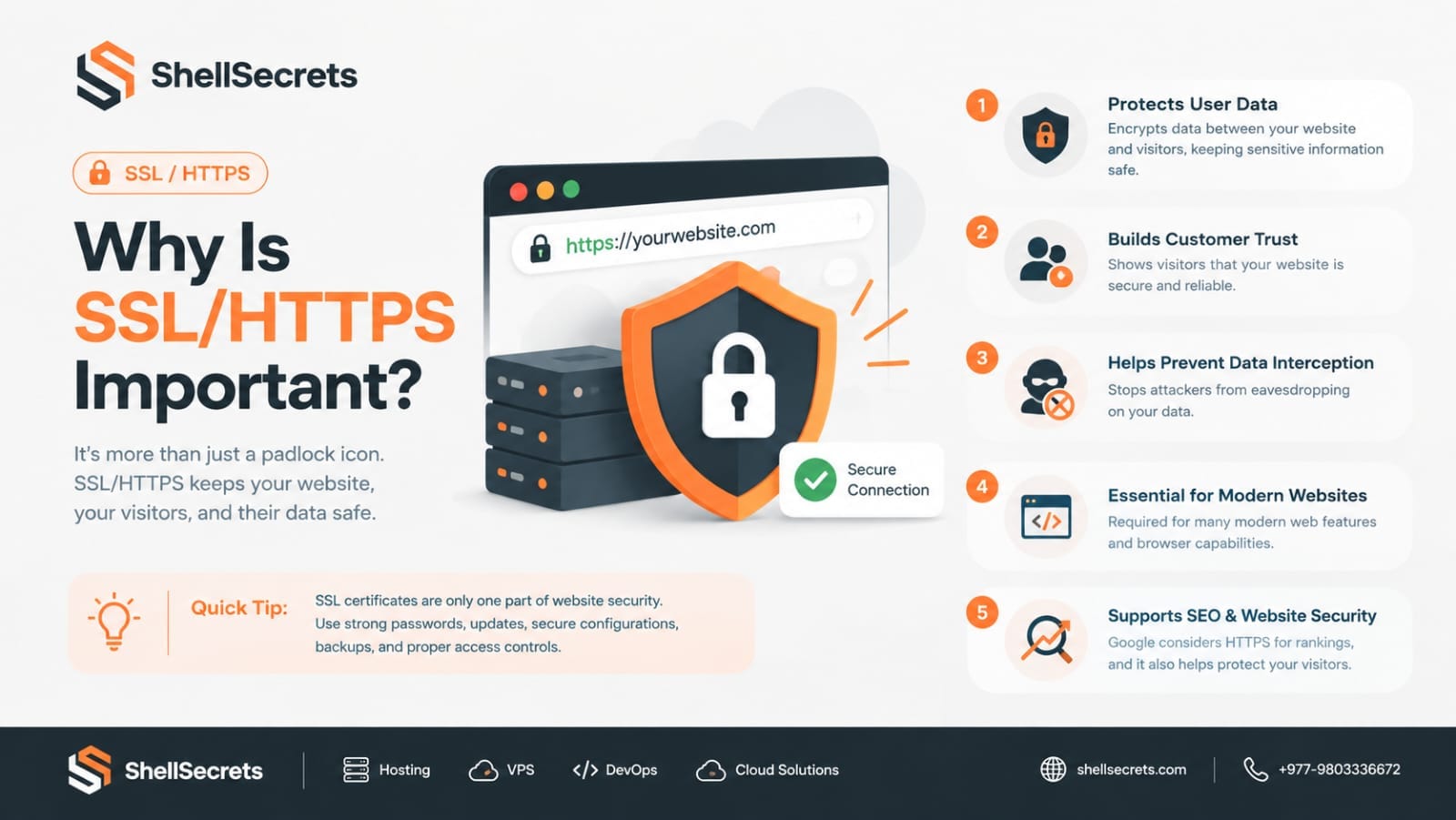
In today's digital world, website security is no longer optional—it's a necessity. Whether you run a personal blog, an eCommerce store, a business website, or a SaaS platform, protecting your visitors' data should be one of your highest priorities. One of the simplest and most effective ways to improve website security is by enabling SSL (Secure Sockets Layer) or TLS (Transport Layer Security), which allows your website to use HTTPS instead of HTTP. If you've ever noticed the small padlock icon
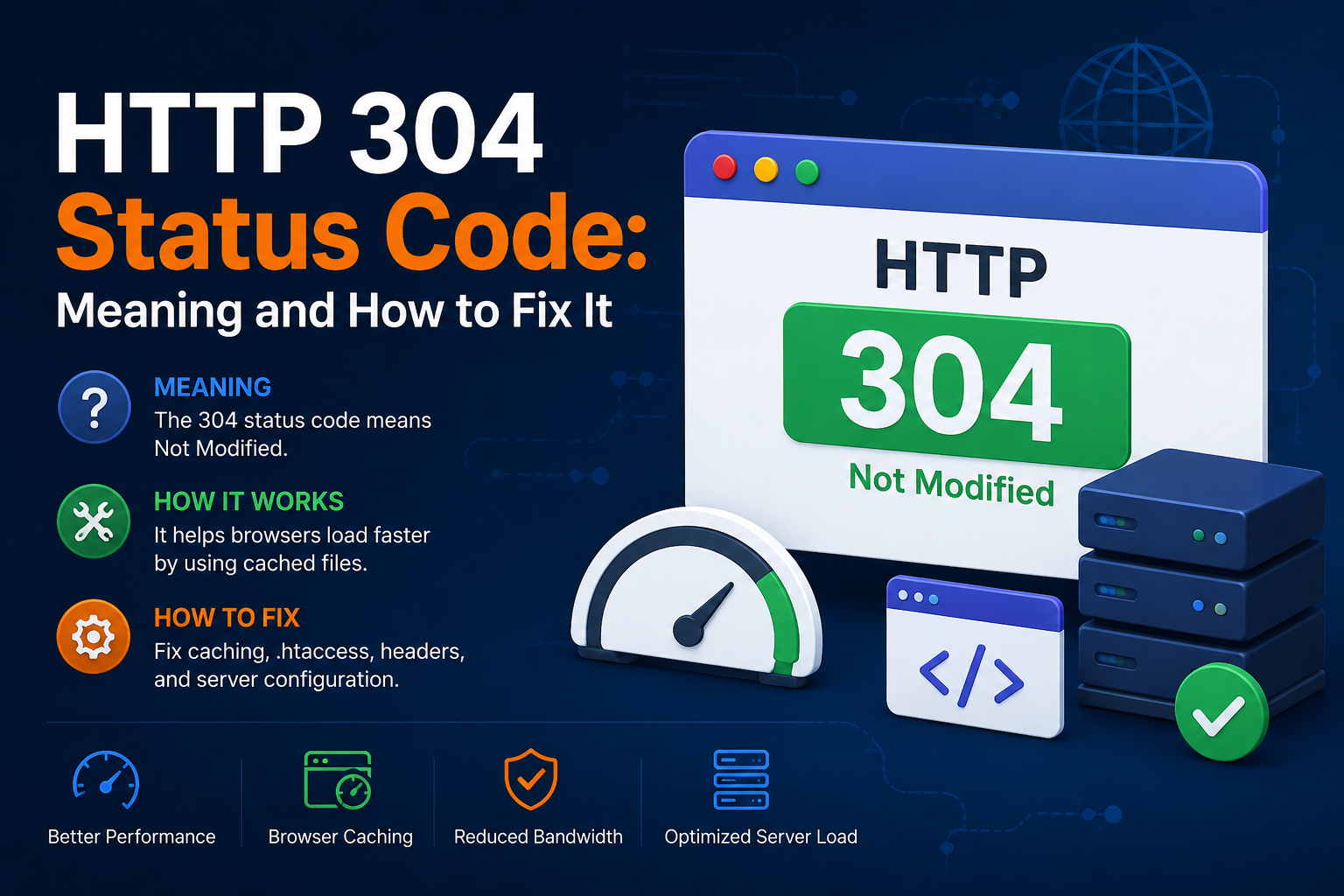
When browsing websites, loading pages quickly is important for both users and search engines. One HTTP response that helps improve website performance is the HTTP 304 Status Code. If you’ve seen a “304 Not Modified” message in browser developer tools, server logs, or SEO audit reports, you may wonder what it means and whether it’s an issue. In this guide, we’ll explain the HTTP 304 status code, why it happens, its SEO impact, and how to fix related problems. What Is HTTP 304 Status Code? Th
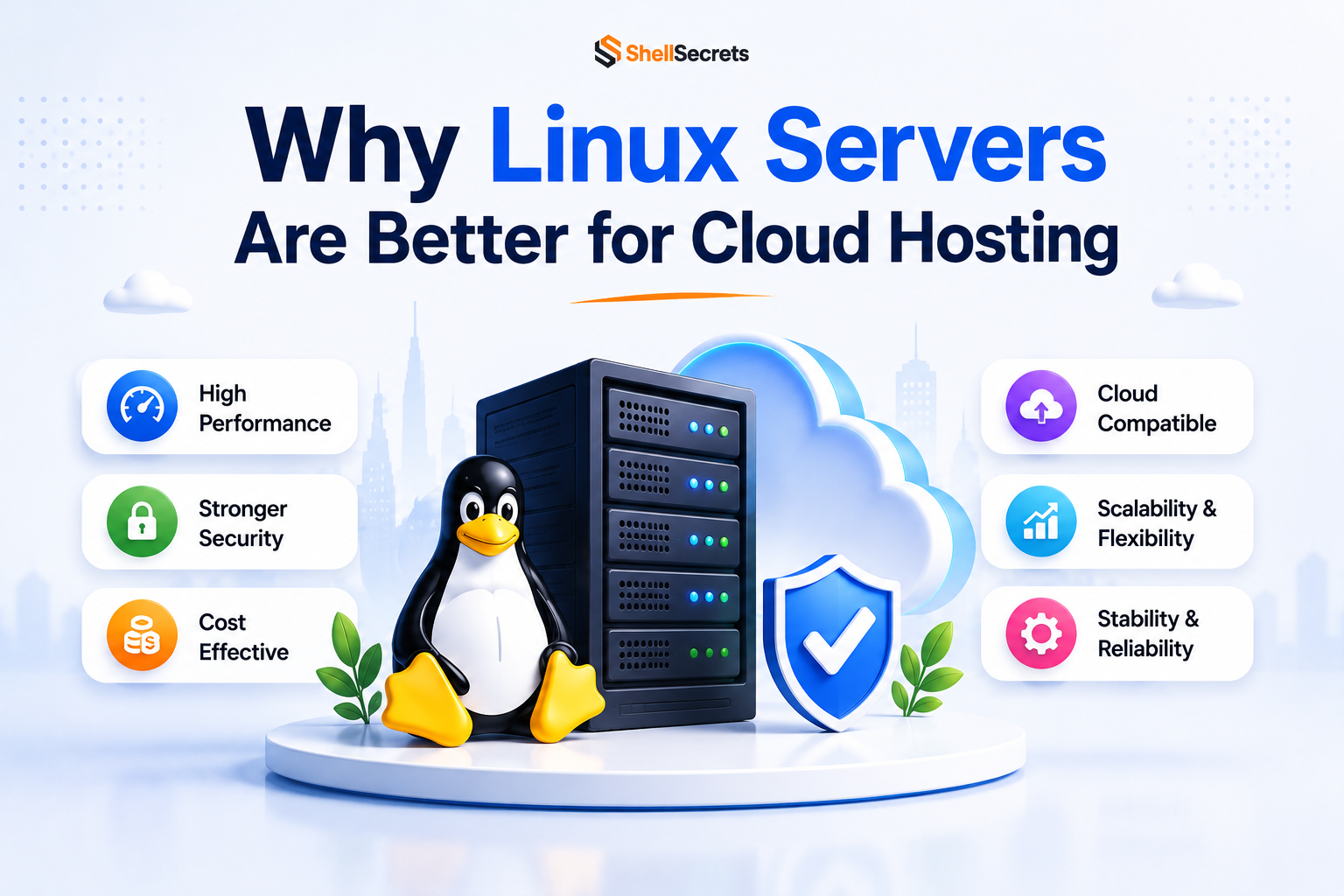
Linux servers dominate the cloud hosting industry because they are secure, stable, lightweight, and cost-effective. Most cloud platforms including AWS, Google Cloud, and Azure heavily rely on Linux-based infrastructure. Advantages of Linux Servers Better Performance Linux consumes fewer system resources compared to Windows Server. Strong Security Linux has strong permission management and lower malware exposure. Cost Effective Most Linux distributions are free to use. Stability Li