Business Basic
Best for small businesses needing email, Teams meetings, cloud storage, and web-based Office apps.
Set up business Outlook, shared cloud storage, meetings, documents, calendars, admin controls, and secure migration with ShellSecrets support.
Outlook email on your domain
OneDrive cloud storage
Teams meetings, chat, and collaboration
Word, Excel, PowerPoint, Forms
Microsoft 365 admin and security controls
Migration and setup support

From $6/mo
No hidden fees
Always-on infrastructure built for scale.
Talk to Our Experts
Get tailored guidance for your goals.
Word, OneDrive, Teems, Excel, PowerPoint, access, etc with expert setup and migration support.
Best for small businesses needing email, Teams meetings, cloud storage, and web-based Office apps.
Ideal for growing businesses needing desktop Office apps, advanced collaboration, and better productivity tools.
Best for businesses needing advanced security, compliance, device management, and enterprise-grade protection.
Compare storage, Meet limits, Gmail controls, admin features, security, compliance, and collaboration tools.
Our VPS hosting supports a wide range of applications, databases, control panels, and custom services. Whether you're running a web server, application stack, database workload, or custom service, our platform provides the resources and support you need to succeed.

Microsoft 365 Outlook
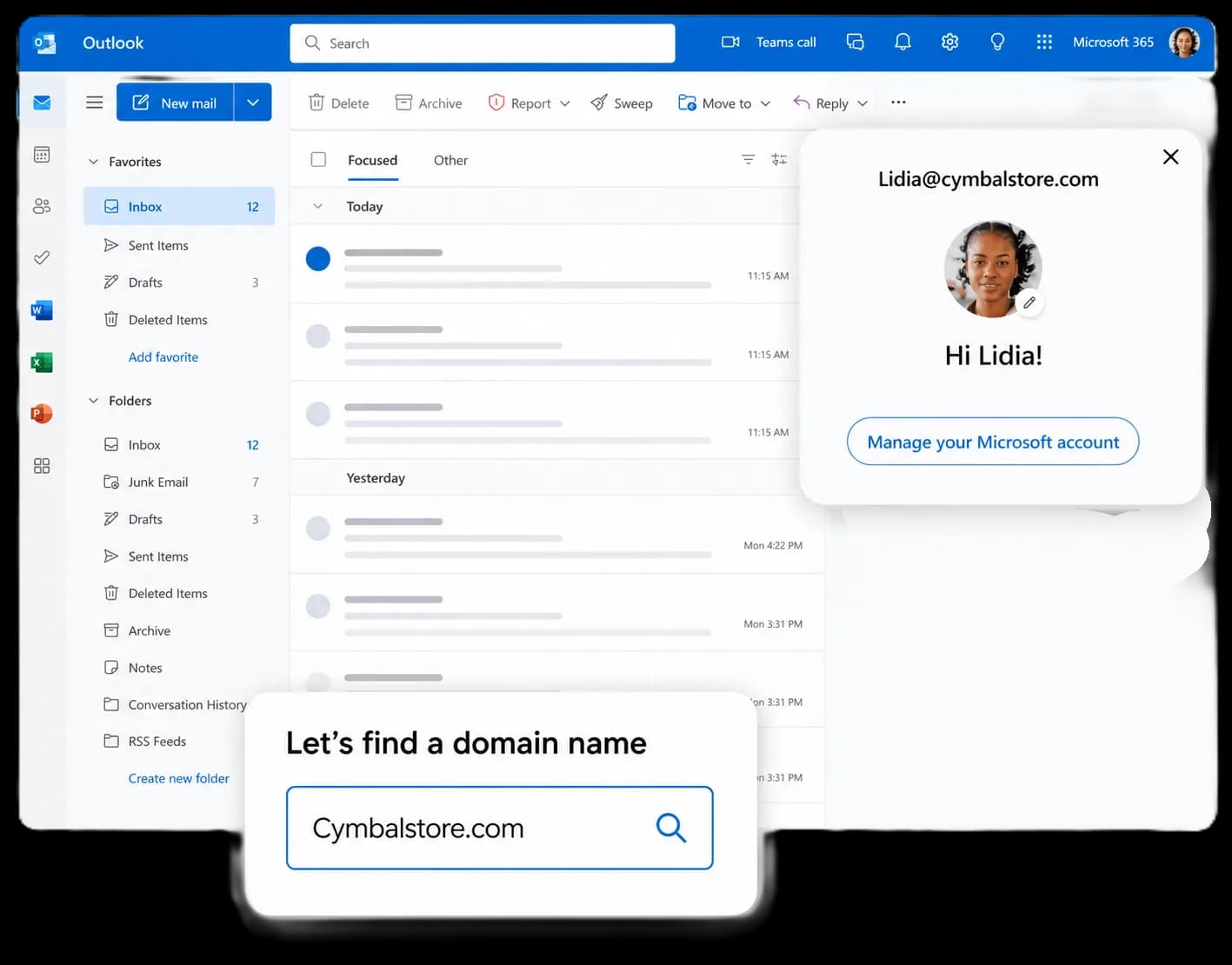
Microsoft Outlook provides professional business email, calendar management, contacts, and enterprise-grade security to help teams communicate efficiently from anywhere.

Microsoft 365 Teams
Microsoft Teams enables secure messaging, HD video meetings, screen sharing, file collaboration, and team communication in a single workspace.

Microsoft 365 OneDrive
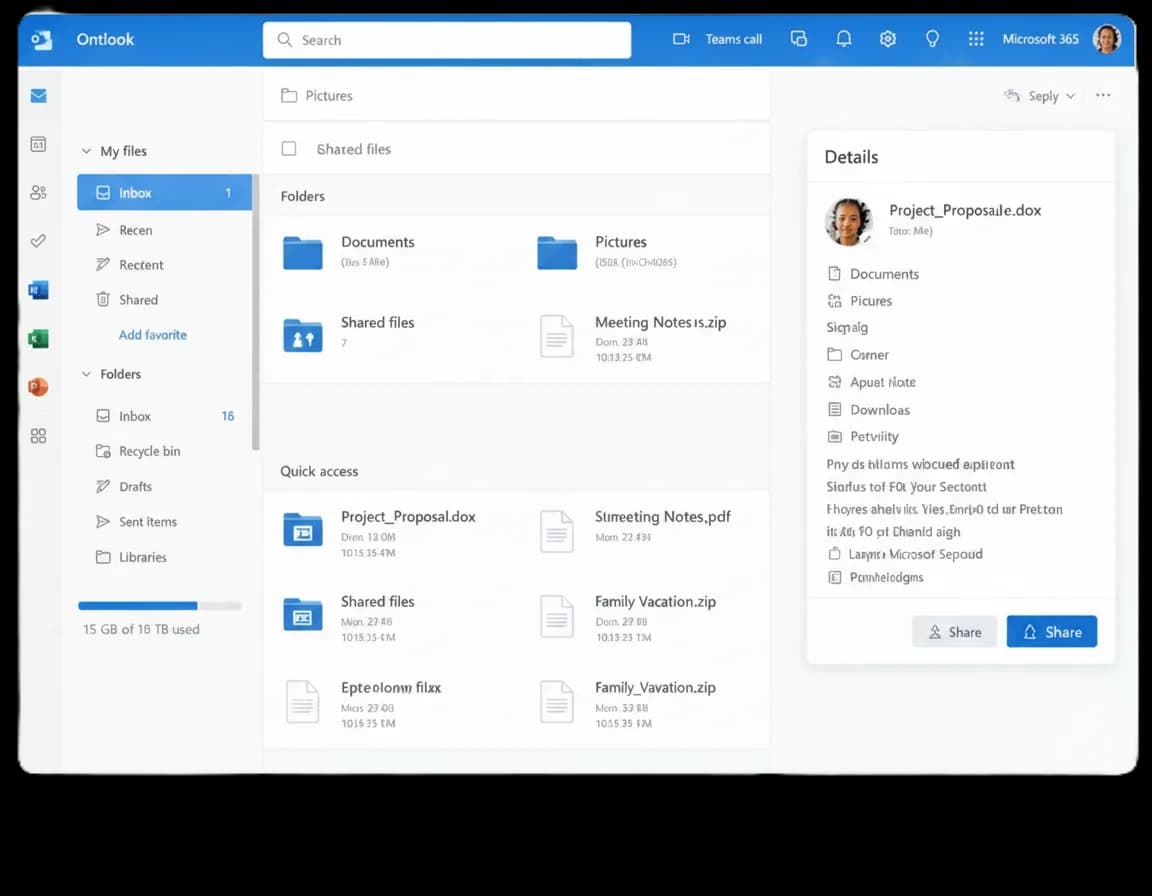
OneDrive provides secure cloud storage, file sharing, synchronization, and collaboration capabilities so teams can access files from anywhere.
Microsoft 365 Word
Microsoft Word allows teams to create, edit, review, and collaborate on professional documents with real-time co-authoring and cloud saving.
Microsoft 365 Excel
Microsoft Excel helps businesses analyze data, create reports, automate workflows, and visualize information with advanced spreadsheet tools.
The tools are powerful; the setup, migration, and security decisions determine how well they work for your team.
Use Outlook with your custom domain while keeping business communication professional, secure, and easy to manage.
Protect accounts with multi-factor authentication, security policies, conditional access, and Microsoft security tools.
Access email, files, meetings, calendars, and Office applications from any supported device.
Migrate users, mailboxes, contacts, calendars, and DNS settings from cPanel, Google Workspace, Zoho Mail, or other providers.
Manage users, groups, shared mailboxes, aliases, licenses, and permissions from the Microsoft 365 Admin Center.
Collaborate with Teams, SharePoint, OneDrive, Word, Excel, PowerPoint, and Forms in real time.
Get help with Microsoft 365 setup, users, aliases, groups, DNS records, mailbox migration, admin controls, device access, SPF, DKIM, DMARC, and deliverability checks.
Get round-the-clock guidance from experienced support engineers.
Open a ticket for technical issues, migrations, billing, or service help.
Talk with our team when you need quick help with urgent questions.
Browse knowledge base articles, setup guides, and troubleshooting notes.
Answers about Microsoft 365 setup, migration, domains, DNS records, security, users, devices, pricing, and support.
Microsoft 365 is Microsoft's cloud productivity platform that includes Outlook, Teams, OneDrive, Word, Excel, PowerPoint, Forms, SharePoint, and advanced business security features.
Explore practical hosting, server, cloud, and DevOps guides from the ShellSecrets articles hub.

When browsing websites, loading pages quickly is important for both users and search engines. One HTTP response that helps improve website performance is the HTTP 304 Status Code. If you’ve seen a “304 Not Modified” message in browser developer tools, server logs, or SEO audit reports, you may wonder what it means and whether it’s an issue. In this guide, we’ll explain the HTTP 304 status code, why it happens, its SEO impact, and how to fix related problems. What Is HTTP 304 Status Code? Th

Linux servers dominate the cloud hosting industry because they are secure, stable, lightweight, and cost-effective. Most cloud platforms including AWS, Google Cloud, and Azure heavily rely on Linux-based infrastructure. Advantages of Linux Servers Better Performance Linux consumes fewer system resources compared to Windows Server. Strong Security Linux has strong permission management and lower malware exposure. Cost Effective Most Linux distributions are free to use. Stability Li

Digital transformation is changing how businesses operate in Nepal. Companies are now focusing on faster software delivery, better infrastructure management, and reliable cloud systems. This is where DevOps becomes important. DevOps is a modern IT approach that combines software development (Dev) and IT operations (Ops). The goal is to improve collaboration, automate workflows, and deliver applications faster and more securely. Traditionally, developers and operations teams worked separately.