Full root access
Log in as root (or Administrator) and configure the server exactly the way your project needs.
Shared hosting: No root or sudo access
Deploy JavaScript backends, APIs, real-time apps, dashboards, and workers on secure VPS servers with Git deployment, SSL, backups, and expert support.
Multiple Node.js versions
Git-based deployment
Free SSL certificates
Full root and SSH access
Automatic backups
24/7 developer support

From $5.83/mo
No hidden fees
Always-on infrastructure built for scale.
Talk to Our Experts
Get tailored guidance for your goals.
Deploy JavaScript backends, APIs, dashboards, and real-time apps on VPS servers with Git, SSH, SSL, backups, and support.
Plan Duration
vCPU
1
RAM
1 GB
Storage
20 GB SSD
IPv4
Bandwidth
3 TB
$5.83/mo
$70/year
1 vCPU, 1 GB RAM, 20 GB SSD, 3 TB bandwidth — US datacenter.
$5.83/mo
For 12 months, you pay $70.
vCPU: 1
RAM: 1 GB
Storage: 20 GB SSD
Bandwidth: 3 TB
IP: 1 IPv4 address
vCPU
2
RAM
2 GB
Storage
35 GB SSD
IPv4
Bandwidth
5 TB
$9.17/mo
$110/year
2 vCPU, 2 GB RAM, 35 GB SSD, 5 TB bandwidth — US datacenter.
$9.17/mo
For 12 months, you pay $110.
vCPU: 2
RAM: 2 GB
Storage: 35 GB SSD
Bandwidth: 5 TB
IP: 1 IPv4 address
vCPU
3
RAM
4 GB
Storage
60 GB SSD
IPv4
Bandwidth
7 TB
$15.83/mo
$190/year
3 vCPU, 4 GB RAM, 60 GB SSD, 7 TB bandwidth — US datacenter.
$15.83/mo
For 12 months, you pay $190.
vCPU: 3
RAM: 4 GB
Storage: 60 GB SSD
Bandwidth: 7 TB
IP: 1 IPv4 address
Backups: every 4 weeks
Ubuntu, Debian, AlmaLinux and more
Full root access
No setup fee
vCPU
6
RAM
6 GB
Storage
100 GB SSD
IPv4
Bandwidth
12 TB
$31.83/mo
$382/year
6 vCPU, 6 GB RAM, 100 GB SSD, 12 TB bandwidth — US datacenter.
$31.83/mo
For 12 months, you pay $382.
vCPU: 6
RAM: 6 GB
Storage: 100 GB SSD
Bandwidth: 12 TB
IP: 1 IPv4 address
Backups: every 4 weeks
Ubuntu, Debian, AlmaLinux and more
Full root access
No setup fee
vCPU
7
RAM
8 GB
Storage
150 GB SSD
IPv4
Bandwidth
20 TB
$38.33/mo
$460/year
7 vCPU, 8 GB RAM, 150 GB SSD, 20 TB bandwidth — US datacenter.
$38.33/mo
For 12 months, you pay $460.
vCPU: 7
RAM: 8 GB
Storage: 150 GB SSD
Bandwidth: 20 TB
IP: 1 IPv4 address
Backups: every 4 weeks
Ubuntu, Debian, AlmaLinux and more
Full root access
No setup fee
Long-running processes, WebSockets, and workers need a real server. A VPS lets you pick your Node.js version, manage it with PM2 or systemd, and skip shared-hosting caps.
Log in as root (or Administrator) and configure the server exactly the way your project needs.
Shared hosting: No root or sudo access
Run as many processes and concurrent connections as your server's resources allow — no per-account NPROC or entry-process caps.
Shared hosting: Per-account process caps
No LVE-style per-account CPU or I/O limits. Your workload uses the vCPU and disk throughput your plan provides.
Shared hosting: CPU and I/O limited per account
Resources allocated to your server rather than pooled with every other account on a shared host.
Shared hosting: Resources shared between accounts
Any runtime, language version, database, container engine, custom software, or system package you need.
Shared hosting: Limited to the host's software
Set your own firewall rules, open the ports you need, and apply your own SSH and hardening policies.
Shared hosting: Host-wide rules you can't change
Keep queue workers, WebSockets, and long-running services up, and schedule cron jobs without restriction.
Shared hosting: Long-running processes restricted
Pick the Linux distribution you prefer and reinstall a clean image whenever you want a fresh start.
Shared hosting: OS fixed by the host
Move code, dependencies, env vars, databases, SSL, and DNS with a cleaner deployment path.
Node.js migrations need runtime checks, dependency validation, environment handling, and post-deploy log review. We help move the app without turning the launch into guesswork.
Connect with our DevOps experts for fast, reliable support.
Node.js hosting works best when code, runtime, dependencies, logs, and rollback paths are handled as one workflow.
Deploy code from Git repositories or upload application files through SSH workflows.
Install dependencies, select runtime versions, configure environment variables, and prepare the app.
Keep APIs, dashboards, real-time apps, and workers running with process-aware hosting support.
Use backups, logs, and support checks to recover faster when deploys or dependencies misbehave.
A Node.js app can fail because of a missing environment variable, wrong runtime, bad build command, SSL issue, or database connection. We make those checks visible before launch.
Use familiar Node.js tools while hosting keeps SSL, DNS, backups, email, databases, and support in one place.
Deploy frontend frameworks, backend APIs, workers, and JavaScript services while keeping hosting operations visible and supportable.
Run REST and GraphQL APIs with SSL, DNS, database connections, logs, and deployment support in one hosting account.
Use Git workflows, root SSH access, runtime selection, and support for dependency setup.
Get help reviewing logs, runtime errors, deploy commands, environment variables, SSL, DNS, and migration issues.
Get practical help with migrations, Node.js versions, build errors, environment variables, SSL, DNS, database connections, Git deployment, and runtime logs.
Get round-the-clock guidance from experienced support engineers.
Open a ticket for technical issues, migrations, billing, or service help.
Talk with our team when you need quick help with urgent questions.
Browse knowledge base articles, setup guides, and troubleshooting notes.
Answers about managed Node.js hosting, frameworks, deployment, databases, SSH, migration, and DevOps support.
Node.js hosting lets you run server-side JavaScript applications such as APIs, dashboards, real-time apps, workers, and microservices using the Node.js runtime.
Explore practical hosting, server, cloud, and DevOps guides from the ShellSecrets articles hub.
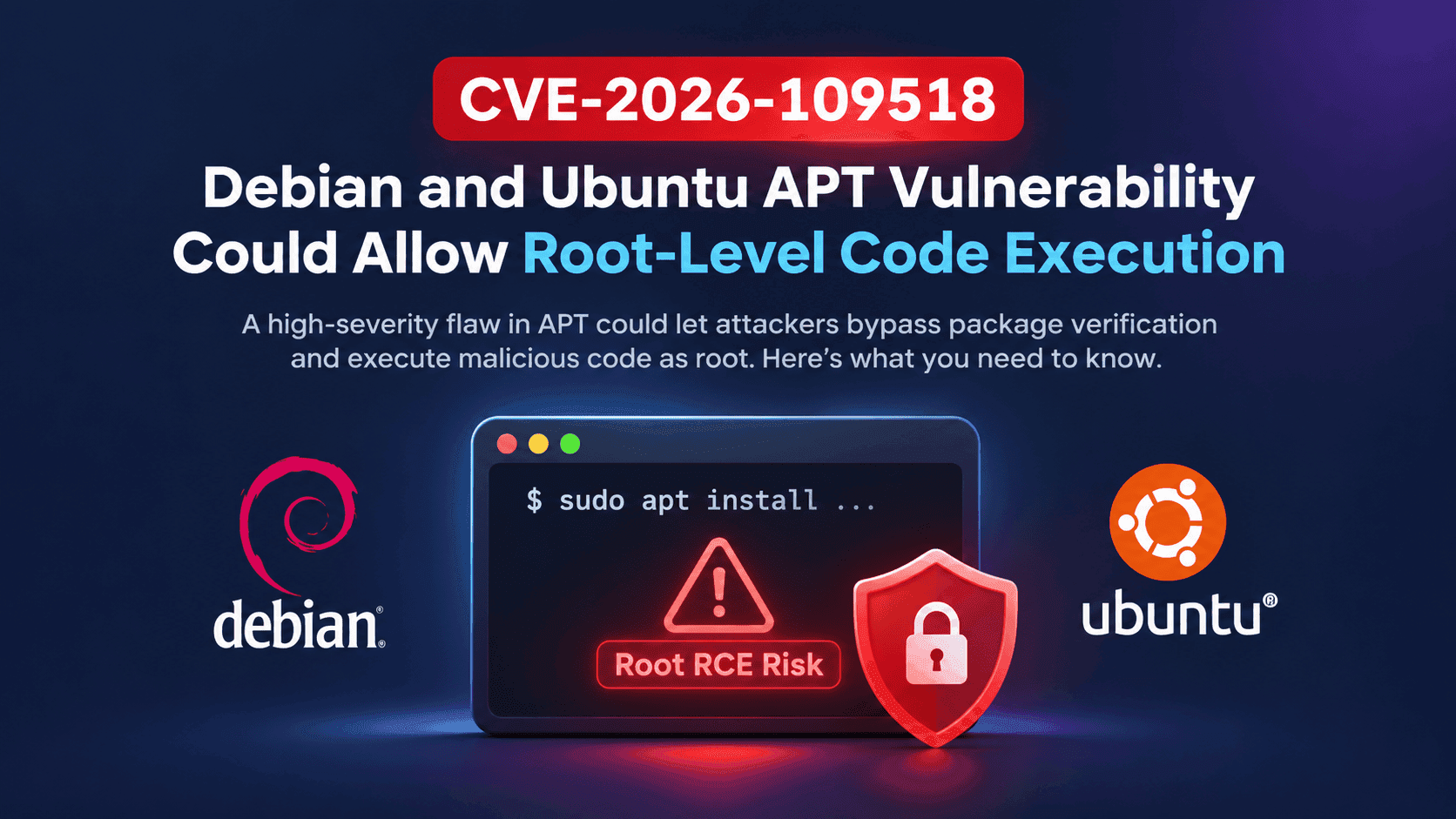
A high-severity flaw in the APT package manager could let attackers bypass package verification and execute malicious code as root. Here's what Debian and Ubuntu administrators need to know.
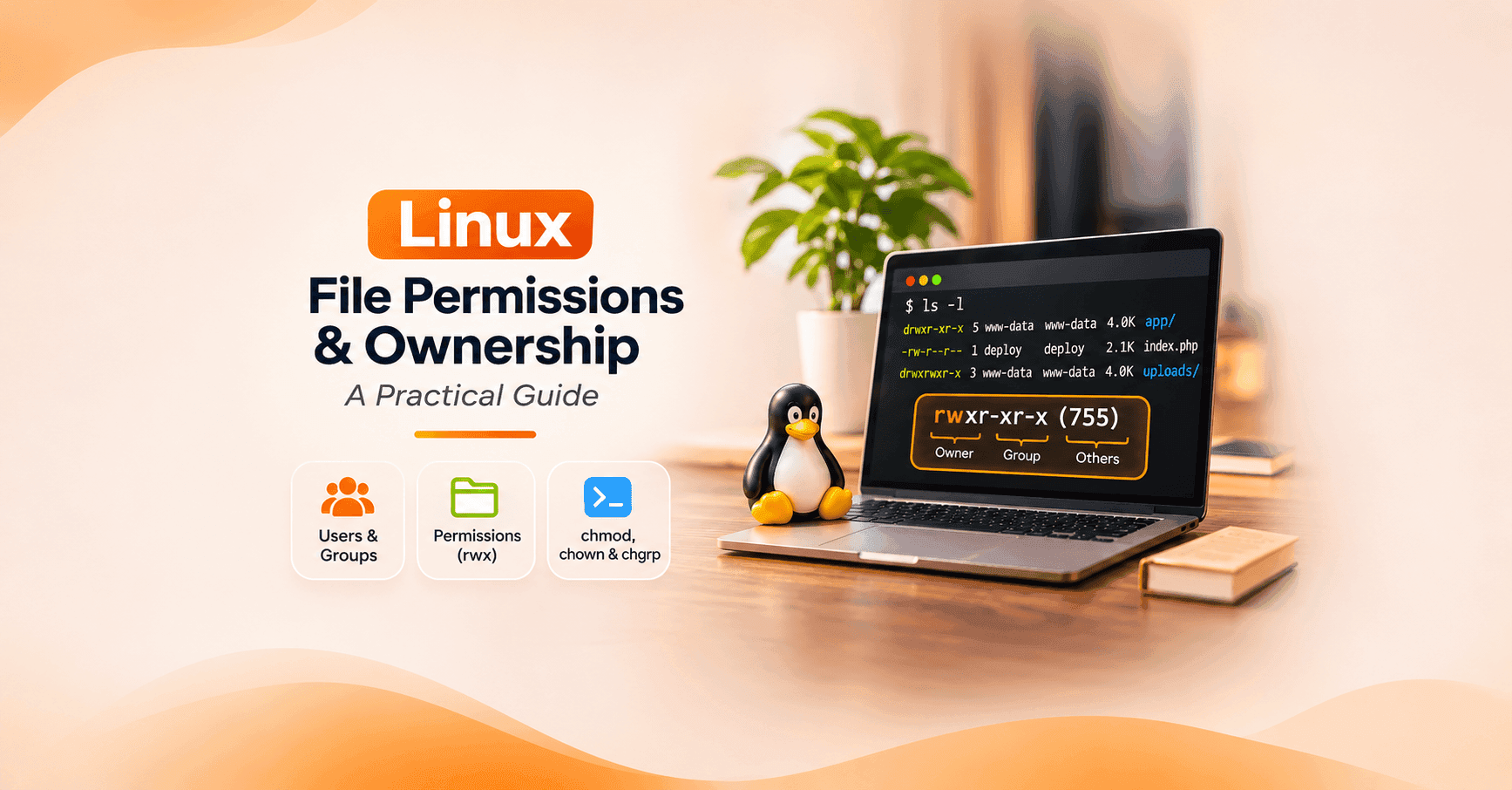
Learn Linux file and directory permissions, users, groups, chmod, chown, umask, ACLs, and security best practices with practical examples.
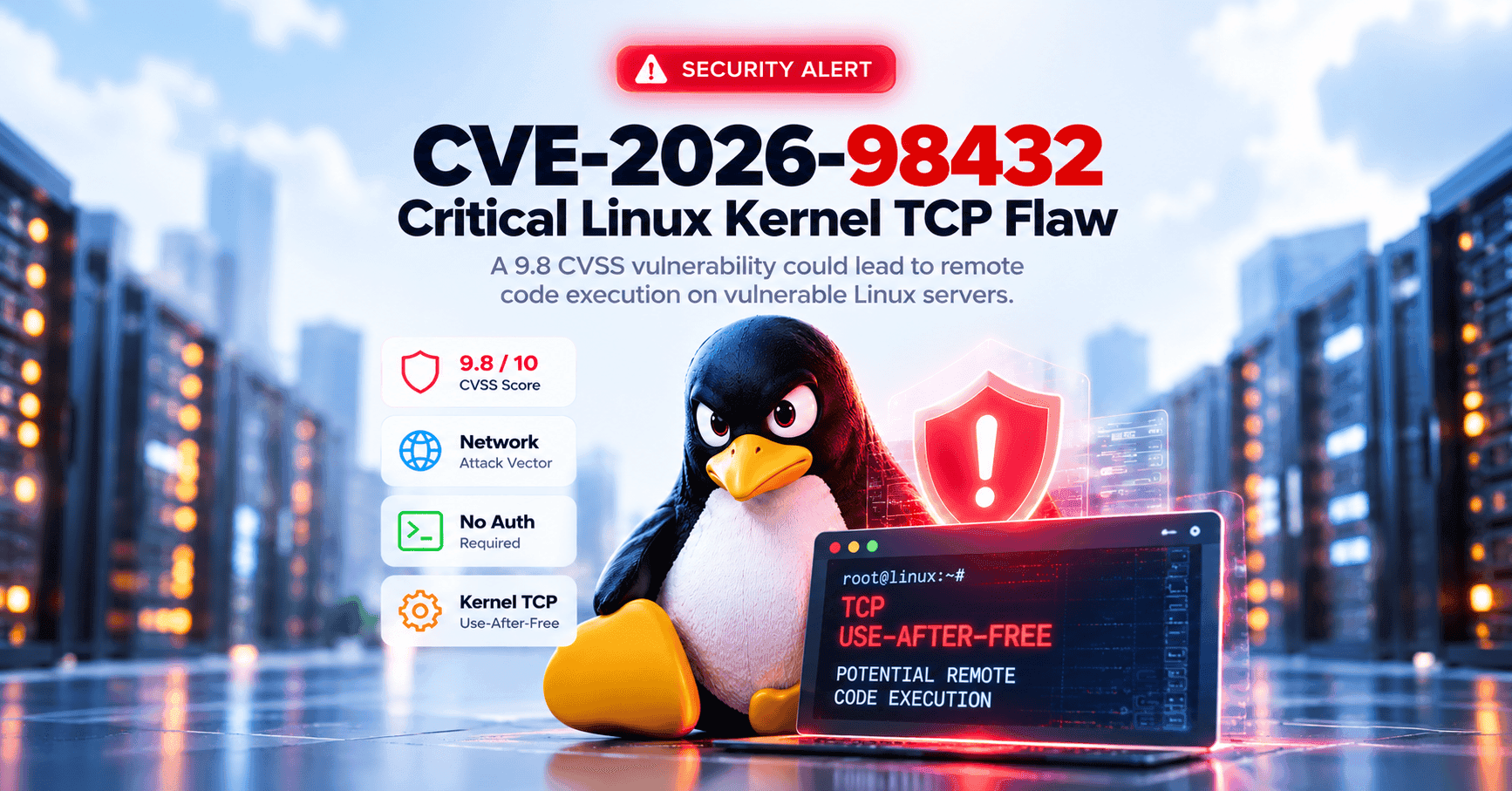
Introduction A critical vulnerability in the Linux kernel's TCP networking subsystem has raised security concerns for organizations running Linux-based servers, cloud infrastructure, and containerized workloads. Tracked as CVE-2026-98432, the vulnerability has received a CVSS 3.1 score of 9.8 out of 10 from the Linux kernel CVE authority. The flaw involves a race condition that can cause the kernel to access memory after it has already been released, potentially resulting in system crashes o