Full root access
Log in as root (or Administrator) and configure the server exactly the way your project needs.
Shared hosting: No root or sudo access
Run Go, Rust, C, Python, and Node.js workloads on managed cloud infrastructure—with room for APIs, databases, and background workers to scale.
Go, Rust, C, Python, and Node.js
Django, FastAPI, Express, and NestJS
APIs, databases, and background workers
Dedicated compute with on-demand scaling

From $19.17/mo
No hidden fees
Always-on infrastructure built for scale.
Talk to Our Experts
Get tailored guidance for your goals.
Start with the CPU, memory, and storage you need today. Resize your Cloud VPS as traffic, datasets, deployments, or concurrent jobs increase.
Plan Duration
vCPU
2
RAM
4 GB
Storage
60 GB SSD
IPv4
Bandwidth
100 MbpsThe default bandwidth is 100 Mbps. You can upgrade it for an additional fee. Fair usage applies; real-world speed varies with network load, shared usage and distance.
$23/mo
Save $46 annually
$230/year
2 vCPU cores, 4 GB RAM, 60 GB SSD, 100 Mbps bandwidth.
$23/mo
Save $46 annually
vCPU: 2
RAM: 4 GB
Storage: 60 GB SSD
Bandwidth: 100 MbpsThe default bandwidth is 100 Mbps. You can upgrade it for an additional fee. Fair usage applies; real-world speed varies with network load, shared usage and distance.
IP: 1 IPv4 address
vCPU
3
RAM
6 GB
Storage
100 GB SSD
IPv4
Bandwidth
100 MbpsThe default bandwidth is 100 Mbps. You can upgrade it for an additional fee. Fair usage applies; real-world speed varies with network load, shared usage and distance.
$29/mo
Save $58 annually
$290/year
3 vCPU cores, 6 GB RAM, 100 GB SSD, 100 Mbps bandwidth.
$29/mo
Save $58 annually
vCPU: 3
RAM: 6 GB
Storage: 100 GB SSD
Bandwidth: 100 MbpsThe default bandwidth is 100 Mbps. You can upgrade it for an additional fee. Fair usage applies; real-world speed varies with network load, shared usage and distance.
IP: 1 IPv4 address
vCPU
4
RAM
8 GB
Storage
140 GB SSD
IPv4
Bandwidth
200 MbpsThe default bandwidth is 200 Mbps. You can upgrade it for an additional fee. Fair usage applies; real-world speed varies with network load, shared usage and distance.
$38/mo
Save $76 annually
$380/year
4 vCPU cores, 8 GB RAM, 140 GB SSD, 200 Mbps bandwidth.
$38/mo
Save $76 annually
vCPU: 4
RAM: 8 GB
Storage: 140 GB SSD
Bandwidth: 200 MbpsThe default bandwidth is 200 Mbps. You can upgrade it for an additional fee. Fair usage applies; real-world speed varies with network load, shared usage and distance.
IP: 1 IPv4 address
vCPU
6
RAM
12 GB
Storage
180 GB SSD
IPv4
Bandwidth
200 MbpsThe default bandwidth is 200 Mbps. You can upgrade it for an additional fee. Fair usage applies; real-world speed varies with network load, shared usage and distance.
$54/mo
Save $108 annually
$540/year
6 vCPU cores, 12 GB RAM, 180 GB SSD, 200 Mbps bandwidth.
$54/mo
Save $108 annually
vCPU: 6
RAM: 12 GB
Storage: 180 GB SSD
Bandwidth: 200 MbpsThe default bandwidth is 200 Mbps. You can upgrade it for an additional fee. Fair usage applies; real-world speed varies with network load, shared usage and distance.
IP: 1 IPv4 address
vCPU
8
RAM
18 GB
Storage
240 GB SSD
IPv4
Bandwidth
300 MbpsThe default bandwidth is 300 Mbps. You can upgrade it for an additional fee. Fair usage applies; real-world speed varies with network load, shared usage and distance.
$70/mo
Save $140 annually
$700/year
8 vCPU cores, 18 GB RAM, 240 GB SSD, 300 Mbps bandwidth.
$70/mo
Save $140 annually
vCPU: 8
RAM: 18 GB
Storage: 240 GB SSD
Bandwidth: 300 MbpsThe default bandwidth is 300 Mbps. You can upgrade it for an additional fee. Fair usage applies; real-world speed varies with network load, shared usage and distance.
IP: 1 IPv4 address
vCPU
8
RAM
24 GB
Storage
280 GB SSD
IPv4
Bandwidth
300 MbpsThe default bandwidth is 300 Mbps. You can upgrade it for an additional fee. Fair usage applies; real-world speed varies with network load, shared usage and distance.
$96/mo
Save $192 annually
$960/year
8 vCPU cores, 24 GB RAM, 280 GB SSD, 300 Mbps bandwidth.
$96/mo
Save $192 annually
vCPU: 8
RAM: 24 GB
Storage: 280 GB SSD
Bandwidth: 300 MbpsThe default bandwidth is 300 Mbps. You can upgrade it for an additional fee. Fair usage applies; real-world speed varies with network load, shared usage and distance.
IP: 1 IPv4 address
vCPU
10
RAM
28 GB
Storage
320 GB SSD
IPv4
Bandwidth
500 MbpsThe default bandwidth is 500 Mbps. You can upgrade it for an additional fee. Fair usage applies; real-world speed varies with network load, shared usage and distance.
$116/mo
Save $232 annually
$1,160/year
10 vCPU cores, 28 GB RAM, 320 GB SSD, 500 Mbps bandwidth.
$116/mo
Save $232 annually
vCPU: 10
RAM: 28 GB
Storage: 320 GB SSD
Bandwidth: 500 MbpsThe default bandwidth is 500 Mbps. You can upgrade it for an additional fee. Fair usage applies; real-world speed varies with network load, shared usage and distance.
IP: 1 IPv4 address
vCPU
16
RAM
32 GB
Storage
400 GB SSD
IPv4
Bandwidth
500 MbpsThe default bandwidth is 500 Mbps. You can upgrade it for an additional fee. Fair usage applies; real-world speed varies with network load, shared usage and distance.
$142/mo
Save $284 annually
$1,420/year
16 vCPU cores, 32 GB RAM, 400 GB SSD, 500 Mbps bandwidth.
$142/mo
Save $284 annually
vCPU: 16
RAM: 32 GB
Storage: 400 GB SSD
Bandwidth: 500 MbpsThe default bandwidth is 500 Mbps. You can upgrade it for an additional fee. Fair usage applies; real-world speed varies with network load, shared usage and distance.
IP: 1 IPv4 address
Add-ons are arranged after your order — mention them in the order notes or open a ticket.
Run application services, APIs, data stores, workers, and internal tools on dedicated cloud resources. Get room to tune the stack, protect production, and scale capacity without rebuilding your deployment around a new host.
Log in as root (or Administrator) and configure the server exactly the way your project needs.
Shared hosting: No root or sudo access
Run as many processes and concurrent connections as your server's resources allow — no per-account NPROC or entry-process caps.
Shared hosting: Per-account process caps
No LVE-style per-account CPU or I/O limits. Your workload uses the vCPU and disk throughput your plan provides.
Shared hosting: CPU and I/O limited per account
Resources allocated to your server rather than pooled with every other account on a shared host.
Shared hosting: Resources shared between accounts
Any runtime, language version, database, container engine, custom software, or system package you need.
Shared hosting: Limited to the host's software
Set your own firewall rules, open the ports you need, and apply your own SSH and hardening policies.
Shared hosting: Host-wide rules you can't change
Keep queue workers, WebSockets, and long-running services up, and schedule cron jobs without restriction.
Shared hosting: Long-running processes restricted
Pick the Linux distribution you prefer and reinstall a clean image whenever you want a fresh start.
Shared hosting: OS fixed by the host
We help your systems land cleanly and run reliably.
Bring us your runtime, services, database dependencies, traffic profile, and deployment process. We can help plan the move, validate the environment, and keep the operational details covered after cutover.
Connect with our DevOps experts for fast, reliable support.
We account for the runtime, state, data, and deployment path—not just the server size—so the platform fits the workload from day one.
Identify runtimes, frameworks, service dependencies, traffic patterns, storage, and data needs.
Choose CPU, memory, NVMe capacity, network placement, operating system, and supporting services.
Set up application processes, containers, databases, access rules, monitoring, and release workflows.
Use workload signals to right-size resources and plan changes without guesswork or a full rebuild.
A production application needs a complete operating environment: reliable processes, protected data, controlled access, observable behavior, and a path to add capacity.
Go services, Python APIs, Node.js platforms, data layers, and containerized applications each have different operating needs. Build around the workload, then resize compute and storage as it evolves.
Low-latency APIs, high-throughput services, and systems software.
Product backends, data services, automation, and ML-powered APIs.
Realtime products, service APIs, background jobs, and web apps.
Bring the storage, cache, and container layers your application needs.
Resize compute and storage as API traffic, concurrent jobs, or data volume grows—without treating every growth stage like a new hosting migration.
Separate application processes, workers, and data services, then plan monitoring, backups, and recovery around the way your system behaves.
Host relational databases, document stores, caches, and queues with capacity and operational support matched to the workload.
Deploy compiled Go, Rust, and C services alongside Python, Django, FastAPI, Node.js, and their ecosystem tools.
Get practical help with operating systems, service health, secure access, updates, backups, monitoring, and performance tuning.
Bring existing apps and data across with dependency checks, environment setup, release planning, and a validated cutover.
Get help with VPS provisioning, migrations, OS setup, SSH, firewalls, panels, web stacks, databases, monitoring, DNS, SSL, and incident troubleshooting.
Get round-the-clock guidance from experienced support engineers.
Open a ticket for technical issues, migrations, billing, or service help.
Talk with our team when you need quick help with urgent questions.
Browse knowledge base articles, setup guides, and troubleshooting notes.
Answers about application runtimes, databases, scaling, migration, and managed cloud operations.
Managed cloud hosting gives applications dedicated, resizeable resources plus help with the server environment, monitoring, backups, and operational changes.
Explore practical hosting, server, cloud, and DevOps guides from the ShellSecrets articles hub.
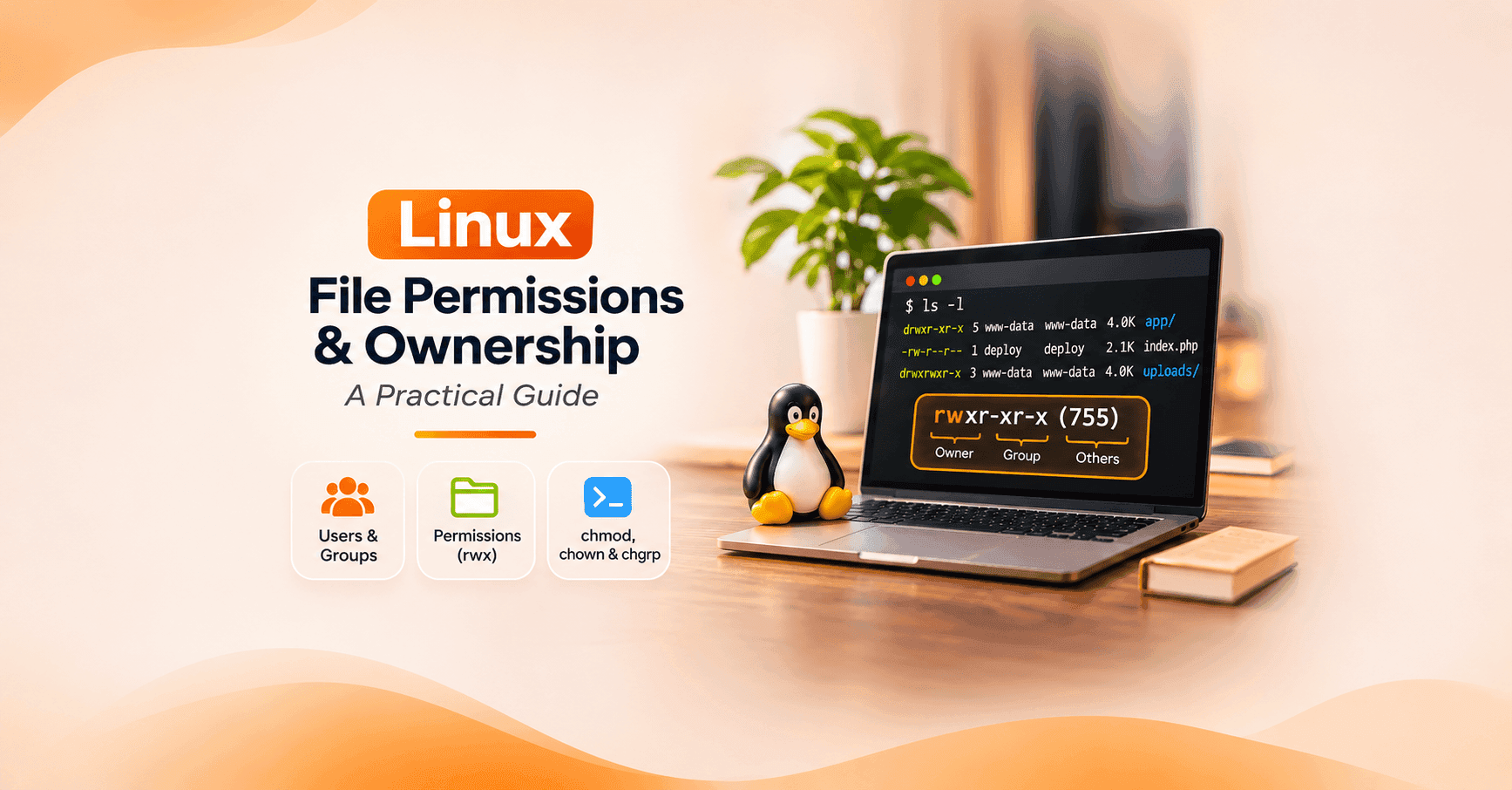
Learn Linux file and directory permissions, users, groups, chmod, chown, umask, ACLs, and security best practices with practical examples.
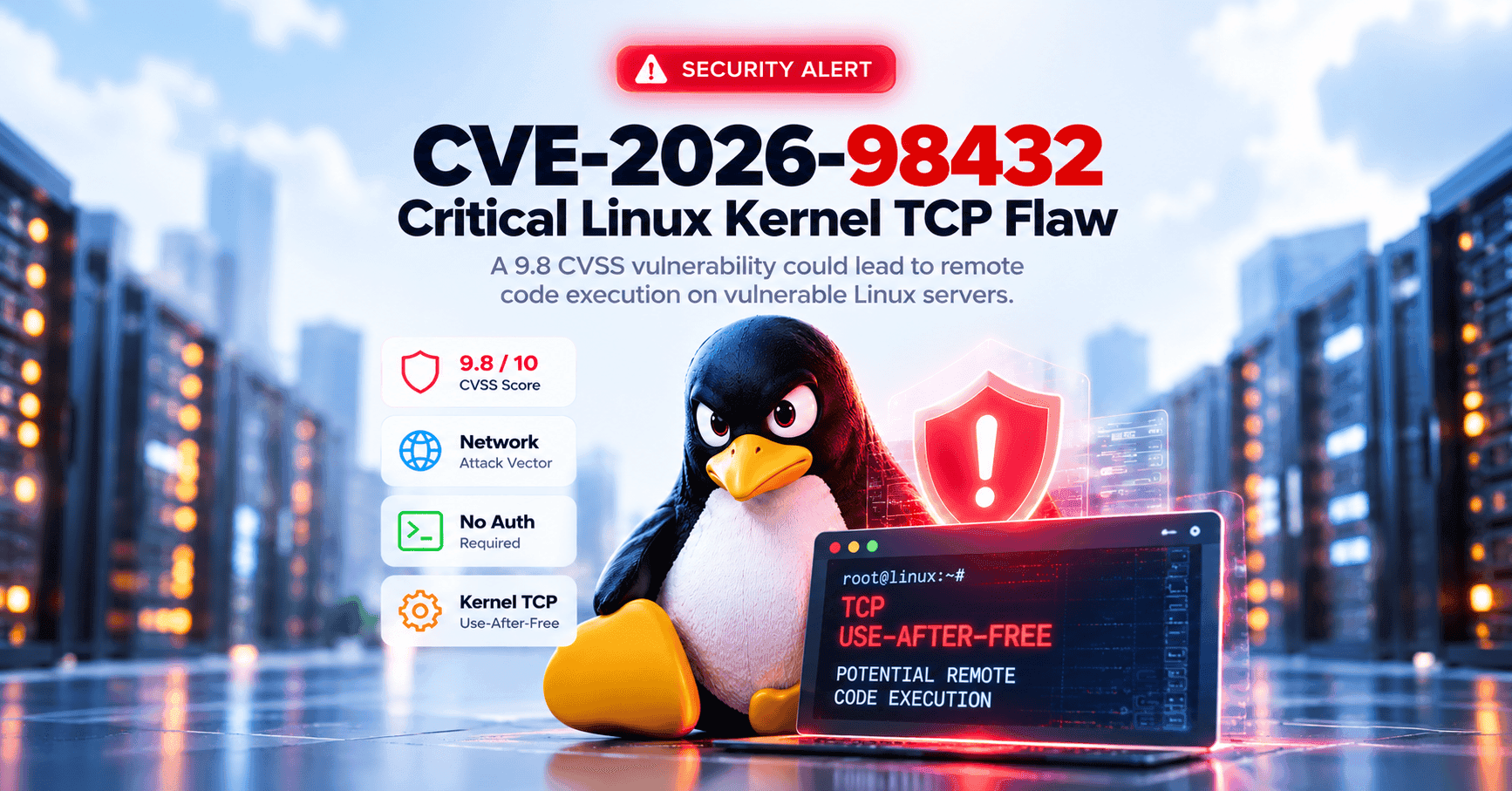
Introduction A critical vulnerability in the Linux kernel's TCP networking subsystem has raised security concerns for organizations running Linux-based servers, cloud infrastructure, and containerized workloads. Tracked as CVE-2026-98432, the vulnerability has received a CVSS 3.1 score of 9.8 out of 10 from the Linux kernel CVE authority. The flaw involves a race condition that can cause the kernel to access memory after it has already been released, potentially resulting in system crashes o

Introduction A server can have a fully patched operating system, properly configured firewall rules, endpoint monitoring, and Secure Boot enabled—and still be vulnerable before any of those protections have an opportunity to work. That is the concern raised by CVE-2026-97631, a critical vulnerability discovered in the UEFI firmware code used to initialize and boot many modern servers. Disclosed by the TianoCore project on October 22, 2026, the vulnerability carries a CVSS 4.0 severity scor