Host to Host
Move from one hosting provider to another, including cPanel, Plesk and custom servers, with accounts, files, databases and email intact.
We migrate websites, applications, databases, email and DNS between hosting providers, VPS, dedicated and cloud servers, with a planned cutover, full validation and a rollback path, so the move stays invisible to your users.
Complete pre-migration audit
Websites, apps and databases
Email and DNS cutover
Minimal or zero downtime
Validation before go-live
Rollback plan at every step
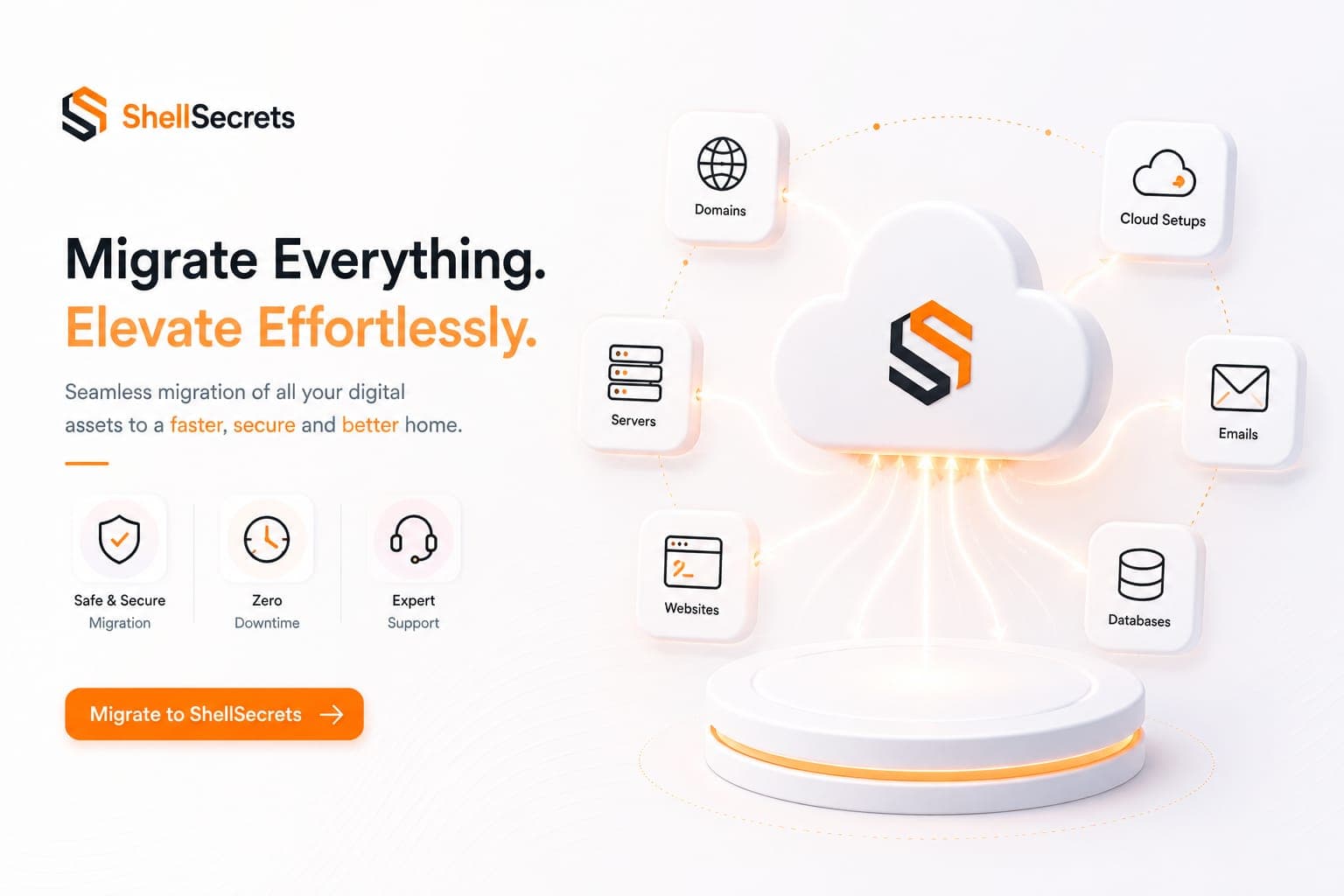







Whether you are leaving an old host, upgrading hardware or moving to the cloud, the method is the same: plan carefully, copy safely, verify everything.
Move from one hosting provider to another, including cPanel, Plesk and custom servers, with accounts, files, databases and email intact.
Move from shared hosting, VPS or on-premise servers to AWS, Azure, Google Cloud or a managed cloud server, sized for your workload.
Replace an ageing server or end-of-life operating system with a new, patched server running current software versions.
Bring scattered sites and services from several servers onto fewer, better-managed machines to cut cost and complexity.
Migrations go wrong when something is missed. We inventory every service and dependency first, so nothing is left behind on the old server.
Code, runtimes, versions, cron jobs, workers
Size, engines, users, replication, consistency
Mailboxes, forwarders, MX, SPF, DKIM, DMARC
Records, TTLs, nameservers, cutover timing
SSL certificates, firewalls, users, keys
Integrations, IP allowlists, scheduled tasks
The old server stays running until the new one is proven, so you can switch back at any point before the final cutover.
We inventory the current server and agree the target setup, timeline, cutover window and downtime expectations.
We prepare the new server, copy files, databases and email, and keep them in sync while the old server keeps serving traffic.
We check websites, logins, forms, email, SSL and scheduled tasks on the new server before any traffic moves.
We switch DNS with lowered TTLs, run a final sync, monitor closely, and keep the rollback option until everything is confirmed.
We consider a migration done only when everything that worked before works on the new server.
Websites, apps and databases moved complete and consistent
Email delivered without lost messages during the switch
Downtime kept to a planned window, or avoided entirely
SSL, DNS and email authentication set up correctly
A rollback plan until the new server is confirmed
A documented setup for the new server
Talk to ShellSecrets about server, website, database, email and DNS migrations between hosts, VPS, dedicated and cloud servers.
Get round-the-clock guidance from experienced support engineers.
Open a ticket for technical issues, migrations, billing, or service help.
Talk with our team when you need quick help with urgent questions.
Browse knowledge base articles, setup guides, and troubleshooting notes.
Answers about downtime, data safety, supported platforms and what happens after the move.
In most cases there is no noticeable downtime. The new server is fully built and tested while the old one keeps running, and DNS is switched with lowered TTLs. If a short pause is needed for a final database sync, we schedule it with you.
Explore practical hosting, server, cloud, and DevOps guides from the ShellSecrets articles hub.
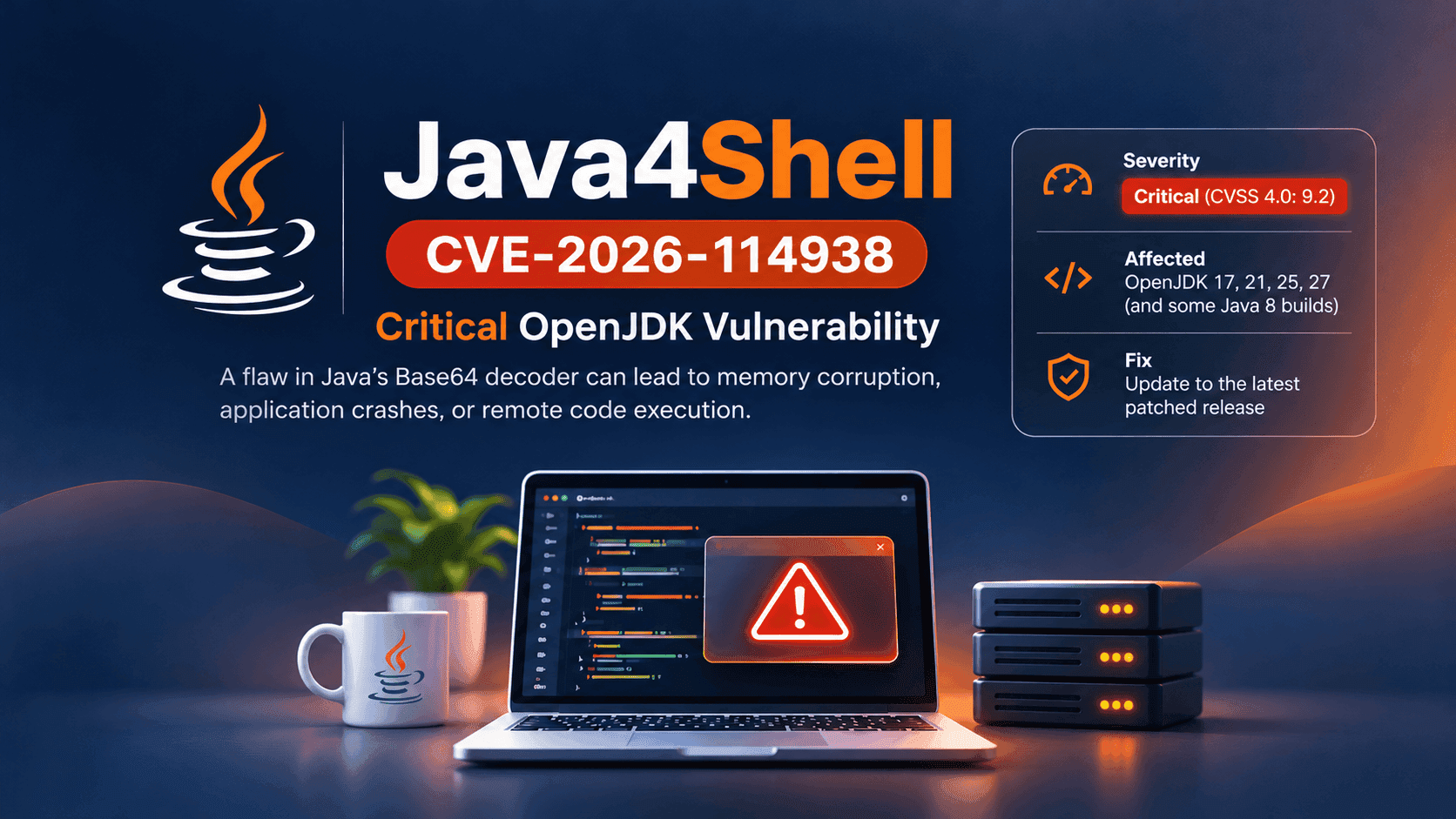
A serious Java runtime vulnerability could expose certain servers to remote attacks. Learn how to identify affected workloads and patch them safely.
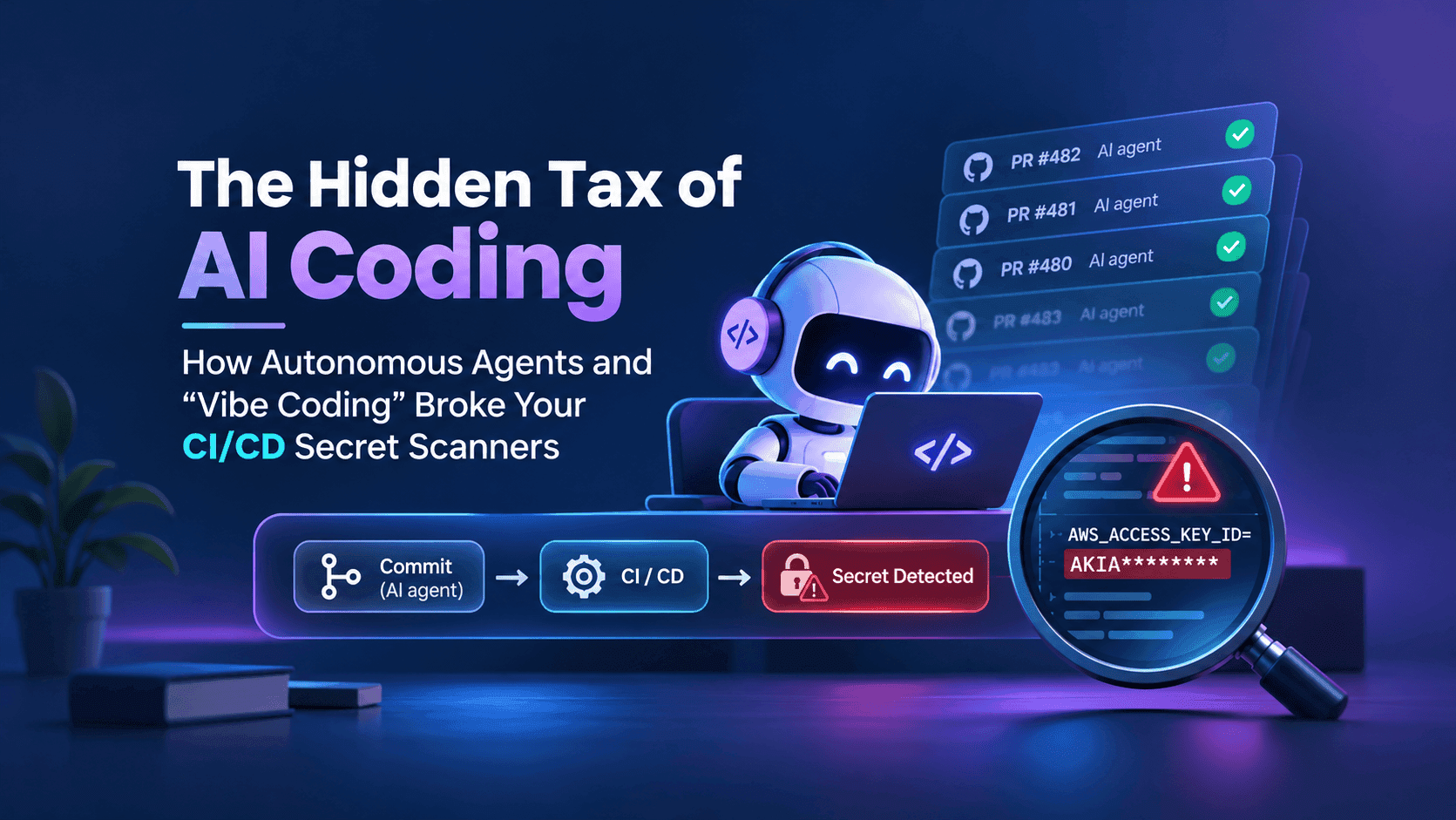
AI coding agents are changing how credentials leak. Learn how to secure Git history, cloud identities, and CI/CD workflows without slowing development.
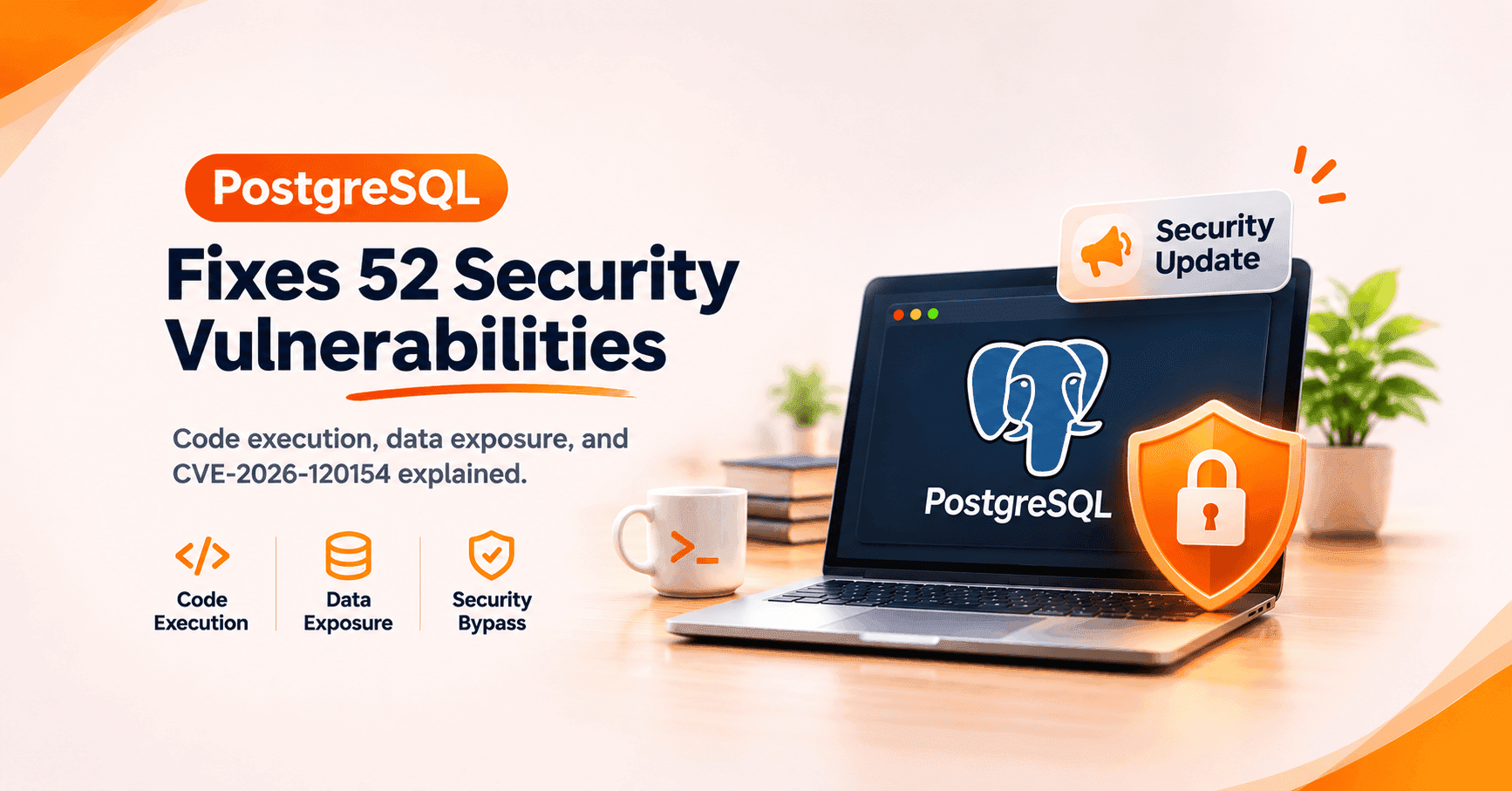
PostgreSQL 18.7, 17.12, 16.16, 15.20 and 14.25 fix 52 vulnerabilities, including code execution and the CVE-2026-120154 row-level security bypass. Patch, update pg_dump and pg_restore, reindex where advised, and take a new full backup.