Domain Migration
Transfer domains, nameservers, DNS zones, records, redirects, SSL validation, and ownership checks without breaking routing.
Registrar transferDNS zone auditNameserver cutover
We migrate domains, hosting, websites, web apps, servers, databases, email, and cloud infrastructure with a planned cutover, validation checks, and zero or minimal downtime.
Domain and DNS migration
Hosting and website transfer
Server and VPS relocation
Web app and database moves
Email mailbox migration
Cloud infrastructure cutover
Each migration type has different risks. We separate the scope clearly so DNS, data, email, applications, and infrastructure are handled correctly.
Transfer domains, nameservers, DNS zones, records, redirects, SSL validation, and ownership checks without breaking routing.
Move cPanel hosting, websites, files, databases, SSL, cron jobs, and application settings to the right ShellSecrets environment.
Relocate VPS, Linux servers, services, control panels, workloads, firewall rules, and scheduled tasks with rollback planning.
Move WordPress, static sites, business websites, landing pages, media assets, forms, and CMS content with validation.
Migrate Node.js, Python, Django, Laravel, eCommerce, API, and worker-based applications with environment mapping.
Move MySQL, MariaDB, PostgreSQL, application databases, users, grants, backups, and restore workflows carefully.
Transfer mailboxes, aliases, forwarders, MX records, SPF, DKIM, DMARC, routing, and client settings with mail-flow checks.
Move cloud servers, storage, DNS, network rules, backups, monitoring, and application workloads with staged execution.
We plan migrations in steps so the source remains usable, the target is validated, and the final switch has a clear rollback path.
We inspect domains, DNS, hosting, servers, applications, databases, email, SSL, backups, and access before any move.
We prepare the target environment, copy data, configure services, and validate the application away from production traffic.
We schedule DNS, mail, application, or server switching with rollback points and clear communication.
We test pages, forms, logins, database writes, mail flow, SSL, cron jobs, APIs, and monitoring after migration.
Downtime usually comes from missed dependencies: DNS, SSL, database users, mail routing, cron jobs, environment variables, and firewall rules. We check those before cutover.
Source data is backed up or exportable before migration begins.
TTL, records, MX, SPF, DKIM, DMARC, and cutover timing are reviewed.
Credentials, panels, server users, SSH, SSL, and firewall exposure are checked.
Critical moves include a practical path back if validation fails.
We keep these items visible from the beginning so the final switch is predictable.
DNS propagation and TTL planning
SSL certificate reissue and validation
Email authentication and deliverability
Database dump, restore, and consistency checks
Application environment variables and secrets
PHP, Node.js, Python, Django, and Laravel runtime compatibility
Cron jobs, background workers, queues, and scheduled tasks
Post-migration monitoring and support window
Talk to ShellSecrets for domain, website, hosting, server, database, email, web app, and cloud migration planning with validation and post-migration support.
Get round-the-clock guidance from experienced support engineers.
Open a ticket for technical issues, migrations, billing, or service help.
Talk with our team when you need quick help with urgent questions.
Browse knowledge base articles, setup guides, and troubleshooting notes.
Answers about downtime, DNS, email, websites, servers, databases, applications, cloud infrastructure, and migration preparation.
Some migrations can be completed with effectively zero downtime, while others need a short planned cutover. We audit the workload first and explain the realistic downtime window before starting.
Explore practical hosting, server, cloud, and DevOps guides from the ShellSecrets articles hub.
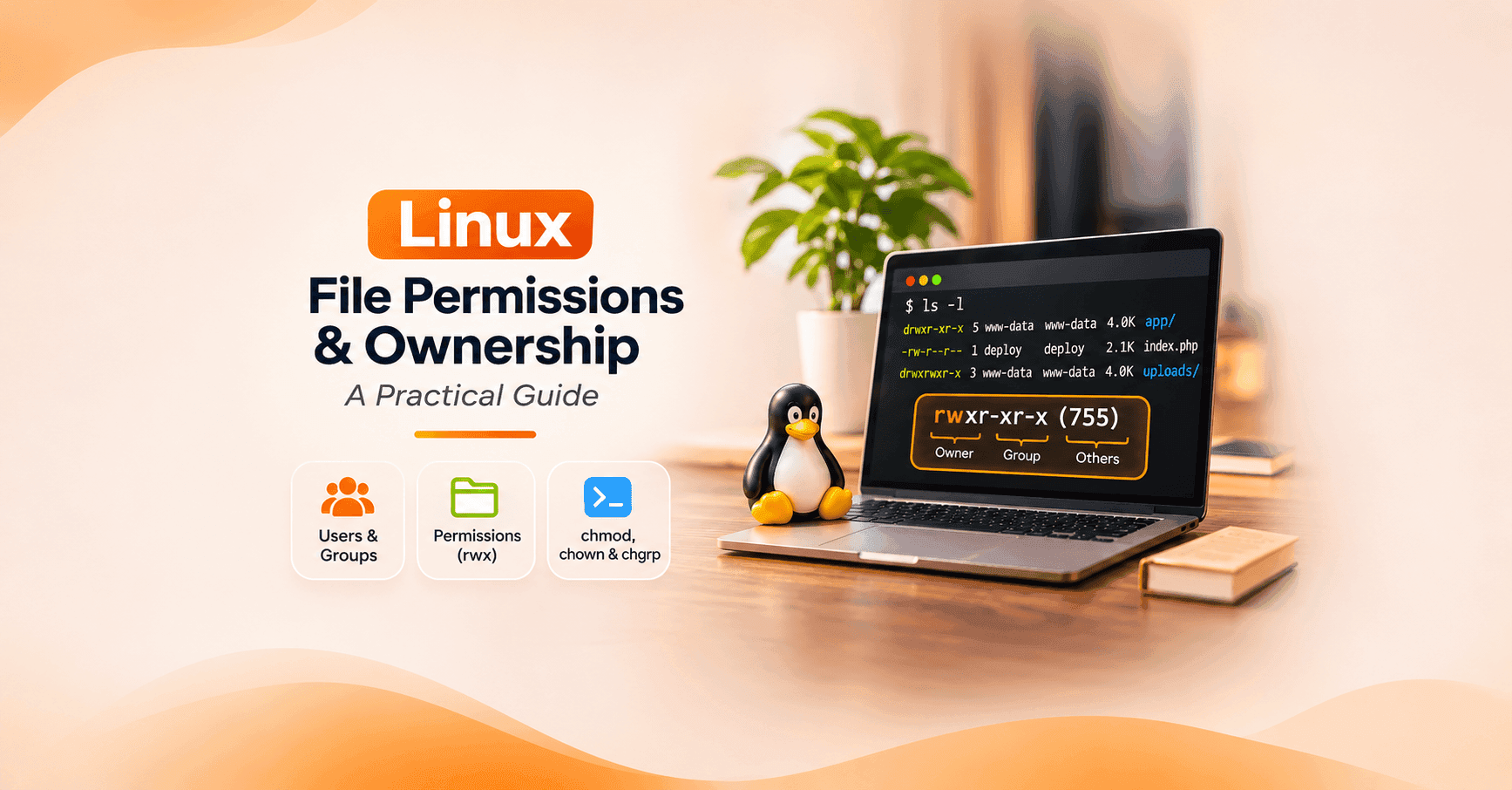
Learn Linux file and directory permissions, users, groups, chmod, chown, umask, ACLs, and security best practices with practical examples.

Introduction A critical vulnerability in the Linux kernel's TCP networking subsystem has raised security concerns for organizations running Linux-based servers, cloud infrastructure, and containerized workloads. Tracked as CVE-2026-98432, the vulnerability has received a CVSS 3.1 score of 9.8 out of 10 from the Linux kernel CVE authority. The flaw involves a race condition that can cause the kernel to access memory after it has already been released, potentially resulting in system crashes o

Introduction A server can have a fully patched operating system, properly configured firewall rules, endpoint monitoring, and Secure Boot enabled—and still be vulnerable before any of those protections have an opportunity to work. That is the concern raised by CVE-2026-97631, a critical vulnerability discovered in the UEFI firmware code used to initialize and boot many modern servers. Disclosed by the TianoCore project on October 22, 2026, the vulnerability carries a CVSS 4.0 severity scor