Developer Environment
Build and test apps on a flexible Linux VPS with full root access and support for modern frameworks.
Run websites, apps, APIs, databases, control panels, and custom services on VPS servers with dedicated resources, root access, regional locations, and managed support.
Dedicated vCPU and RAM
Full root access
NVMe SSD storage
Regional VPS locations
Linux operating systems
24/7 managed support
From $5.74/mo
No hidden fees
Always-on infrastructure built for scale.
Talk to Our Experts
Get tailored guidance for your goals.
Every plan below comes straight from our billing system — the specs, prices, and availability you see are the ones you are charged.
vCPU
2
RAM
4 GB
Storage
60 GB SSD
IPv4
Bandwidth
100 MbpsThe default bandwidth is 100 Mbps. You can upgrade it for an additional fee. Fair usage applies; real-world speed varies with network load, shared usage and distance.
$8.53/mo
$102.36 per year
vCPU
3
RAM
6 GB
Storage
100 GB SSD
IPv4
Bandwidth
100 MbpsThe default bandwidth is 100 Mbps. You can upgrade it for an additional fee. Fair usage applies; real-world speed varies with network load, shared usage and distance.
$22.48/mo
$269.76 per year
vCPU
4
RAM
8 GB
Storage
140 GB SSD
IPv4
Bandwidth
200 MbpsThe default bandwidth is 200 Mbps. You can upgrade it for an additional fee. Fair usage applies; real-world speed varies with network load, shared usage and distance.
$17.2/mo
$206.4 per year
vCPU
6
RAM
12 GB
Storage
180 GB SSD
IPv4
Bandwidth
200 MbpsThe default bandwidth is 200 Mbps. You can upgrade it for an additional fee. Fair usage applies; real-world speed varies with network load, shared usage and distance.
$37.48/mo
$449.76 per year
vCPU
8
RAM
18 GB
Storage
240 GB SSD
IPv4
Bandwidth
300 MbpsThe default bandwidth is 300 Mbps. You can upgrade it for an additional fee. Fair usage applies; real-world speed varies with network load, shared usage and distance.
$30/mo
$360 per year
vCPU
8
RAM
24 GB
Storage
280 GB SSD
IPv4
Bandwidth
300 MbpsThe default bandwidth is 300 Mbps. You can upgrade it for an additional fee. Fair usage applies; real-world speed varies with network load, shared usage and distance.
$79.98/mo
$959.76 per year
vCPU
10
RAM
28 GB
Storage
320 GB SSD
IPv4
Bandwidth
500 MbpsThe default bandwidth is 500 Mbps. You can upgrade it for an additional fee. Fair usage applies; real-world speed varies with network load, shared usage and distance.
$94.98/mo
$1,139.76 per year
vCPU
16
RAM
32 GB
Storage
400 GB SSD
IPv4
Bandwidth
500 MbpsThe default bandwidth is 500 Mbps. You can upgrade it for an additional fee. Fair usage applies; real-world speed varies with network load, shared usage and distance.
$119.98/mo
$1,439.76 per year
Add-ons are arranged after your order — mention them in the order notes or open a ticket.
Build and test apps on a flexible Linux VPS with full root access and support for modern frameworks.
Deploy websites, CMS and e-commerce apps with Nginx, Apache or OpenLiteSpeed.
Host APIs, microservices and SaaS apps with predictable resources and easy scaling.
Run Docker, CI/CD pipelines and automation in an isolated VPS environment.
Linux VPS • Full Root Access
Flexible Linux virtual private servers for development, web hosting, containers and scalable application deployment.
Our VPS hosting supports a wide range of applications, databases, control panels, and custom services. Whether you're running a web server, application stack, database workload, or custom service, our platform provides the resources and support you need to succeed.









Move websites, applications, databases, panels, DNS, SSL, and services with a planned server migration.
VPS migrations need service inventory, firewall review, DNS timing, database consistency, SSL validation, and rollback planning. We help move workloads without leaving production details unresolved.
Connect with our DevOps experts for fast, reliable support.
VPS hosting gives you more control. The right setup keeps that control usable, secure, and maintainable.
Select Europe, United States, or Asia based on users, latency, compliance, and workload needs.
Start with the CPU, RAM, storage, bandwidth, and dedicated IP capacity your workload needs.
Use root access to install operating systems, panels, applications, databases, and custom services.
Keep monitoring, patching, backups, firewall rules, DNS, and support aligned with production needs.
Root access is powerful, but production needs secure access, firewall rules, service planning, DNS, SSL, backups, and monitoring from the beginning.
Use VPS resources for hosting, applications, databases, APIs, panels, staging systems, and private services.
Build on familiar Linux, panel, container, web server, and database stacks while keeping server operations practical.
Run Node.js, Python, Laravel, database-backed apps, APIs, staging systems, and custom production services.
Host databases or private services with dedicated resources, secure access, and backup planning.
Install and manage panels such as cPanel, Plesk, Webmin, or custom admin tooling when your stack requires it.
Get help with VPS provisioning, migrations, OS setup, SSH, firewalls, panels, web stacks, databases, monitoring, DNS, SSL, and incident troubleshooting.
Get round-the-clock guidance from experienced support engineers.
Open a ticket for technical issues, migrations, billing, or service help.
Talk with our team when you need quick help with urgent questions.
Browse knowledge base articles, setup guides, and troubleshooting notes.
Answers about managed VPS hosting, root access, regions, operating systems, migrations, scaling, security, and support.
Managed VPS hosting gives you a virtual private server with dedicated resources and support for setup, monitoring, security, optimization, and troubleshooting.
Explore practical hosting, server, cloud, and DevOps guides from the ShellSecrets articles hub.
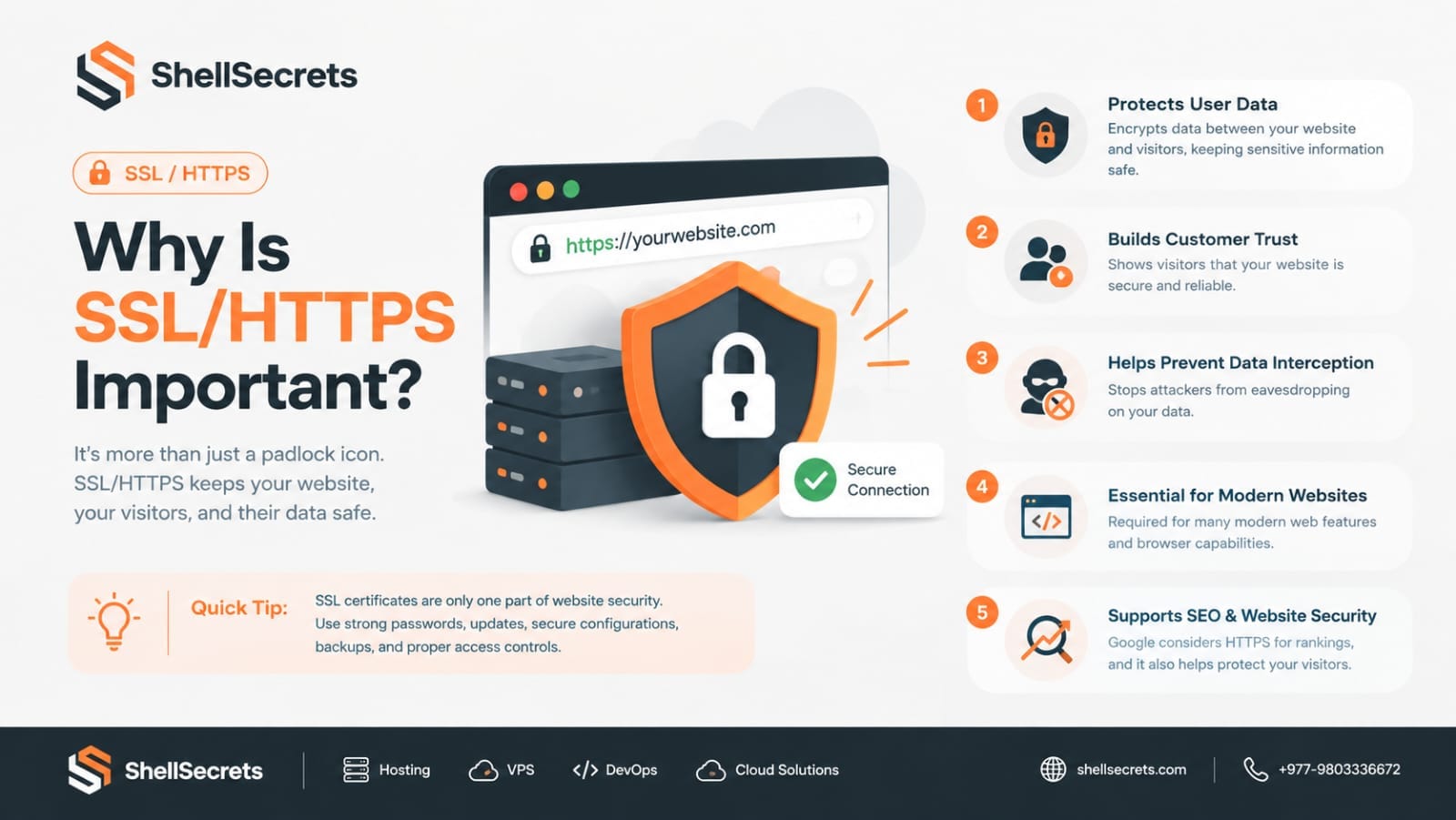
In today's digital world, website security is no longer optional—it's a necessity. Whether you run a personal blog, an eCommerce store, a business website, or a SaaS platform, protecting your visitors' data should be one of your highest priorities. One of the simplest and most effective ways to improve website security is by enabling SSL (Secure Sockets Layer) or TLS (Transport Layer Security), which allows your website to use HTTPS instead of HTTP. If you've ever noticed the small padlock icon
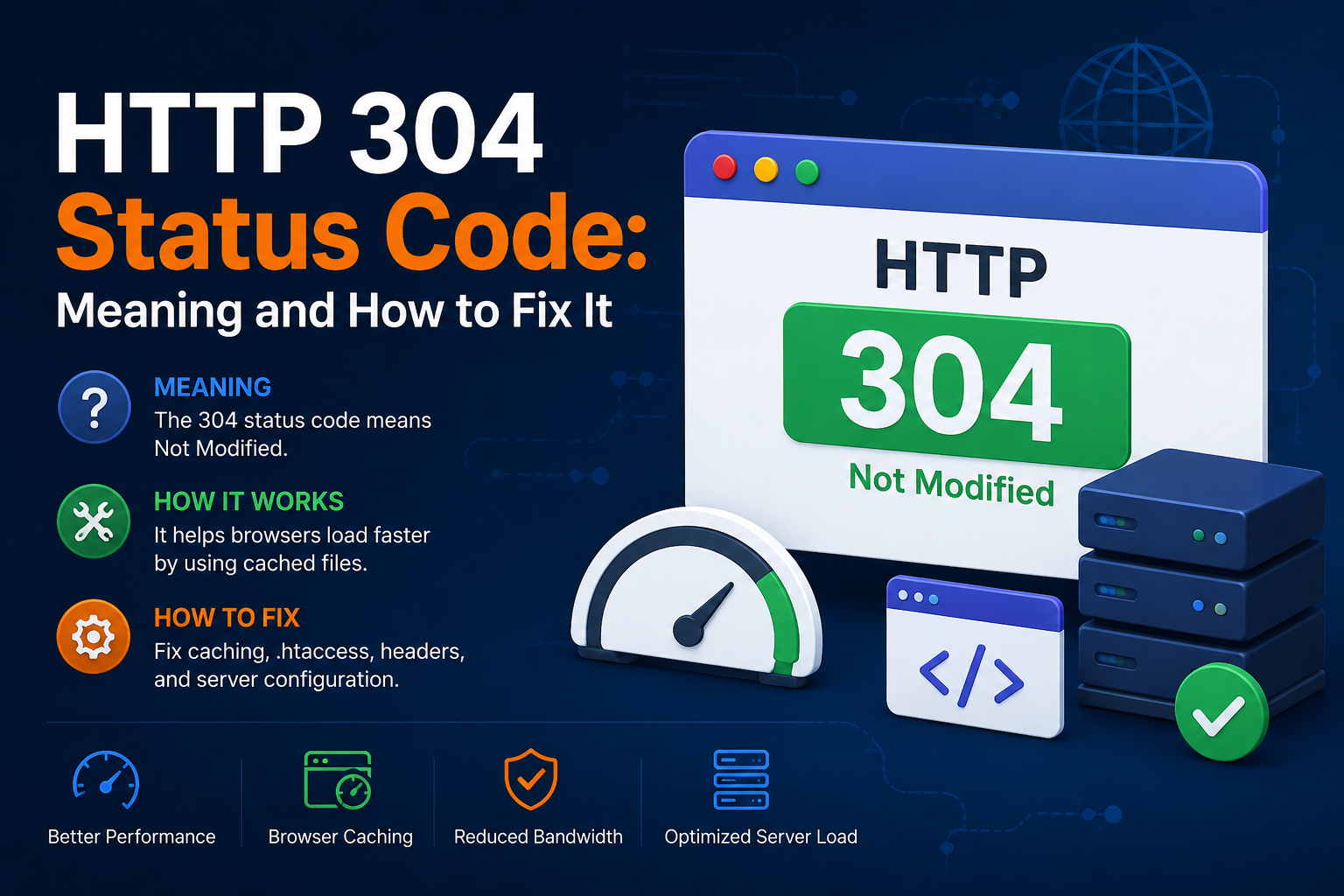
When browsing websites, loading pages quickly is important for both users and search engines. One HTTP response that helps improve website performance is the HTTP 304 Status Code. If you’ve seen a “304 Not Modified” message in browser developer tools, server logs, or SEO audit reports, you may wonder what it means and whether it’s an issue. In this guide, we’ll explain the HTTP 304 status code, why it happens, its SEO impact, and how to fix related problems. What Is HTTP 304 Status Code? Th
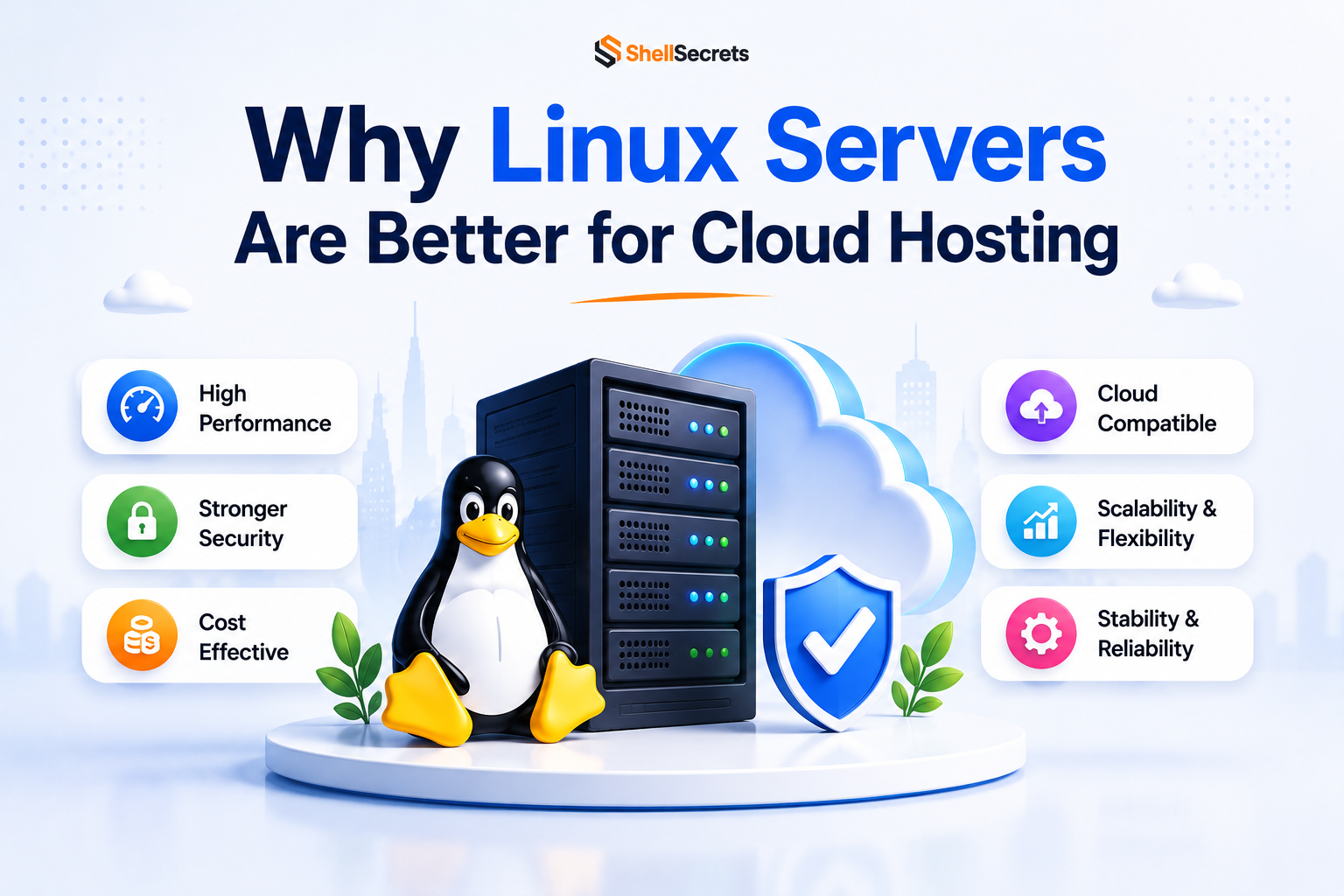
Linux servers dominate the cloud hosting industry because they are secure, stable, lightweight, and cost-effective. Most cloud platforms including AWS, Google Cloud, and Azure heavily rely on Linux-based infrastructure. Advantages of Linux Servers Better Performance Linux consumes fewer system resources compared to Windows Server. Strong Security Linux has strong permission management and lower malware exposure. Cost Effective Most Linux distributions are free to use. Stability Li